
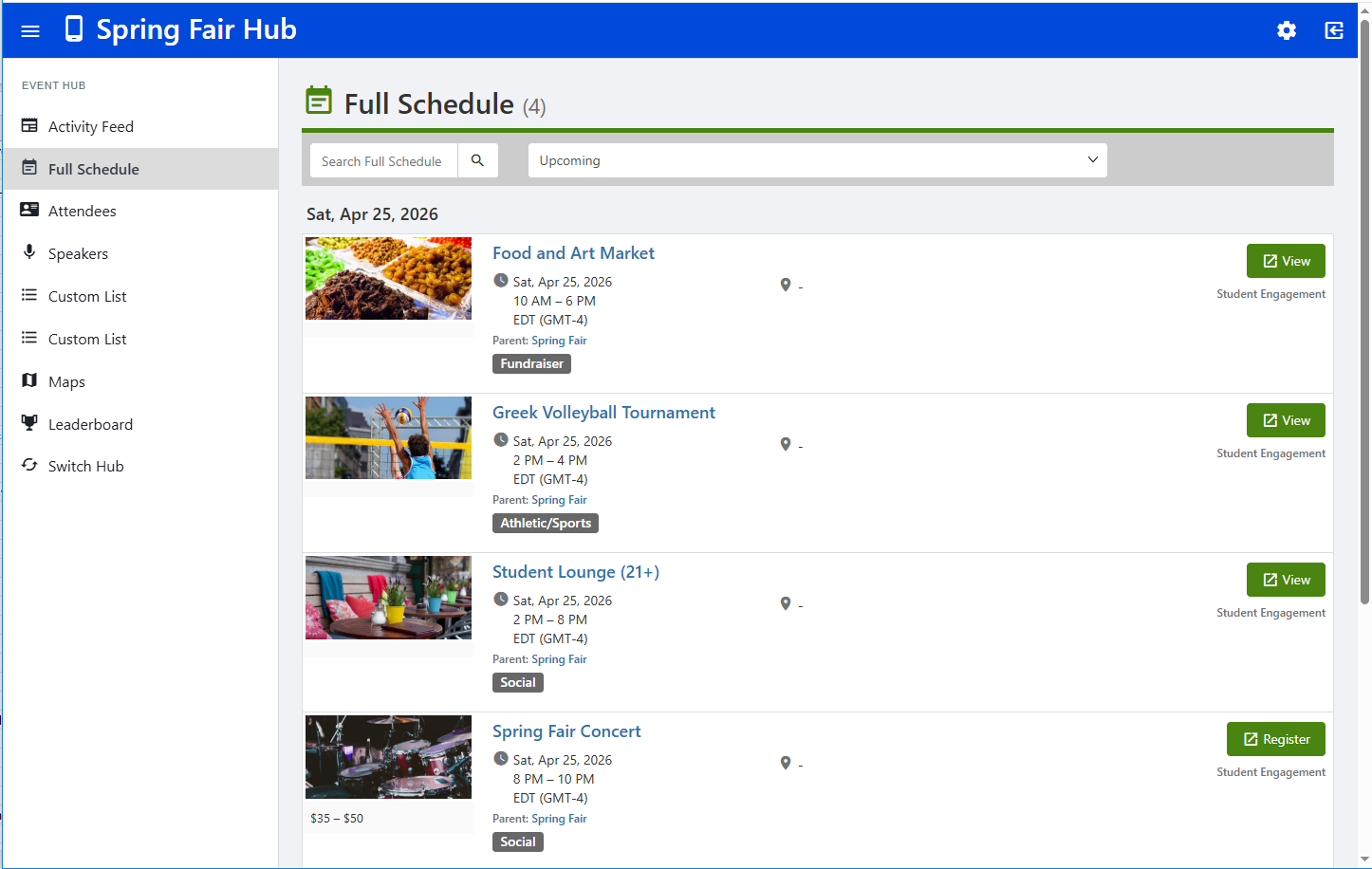
For large, multi-session events such as orientations, conferences, graduations, or any large gathering, an Event Hub enables you to create a dedicated web and mobile app for all sessions. Attendees can view and access event details, as well as connect and socialize.
Note: The other type of hub is Community Hub. Whereas both group officers and platform admins can create and manage Events Hubs, Community Hubs are admin-only.
Before you get started, it’s important to understand the following:
- An Event Hub is the main, umbrella event, and the hub contains sessions. Hub sessions are themselves events.
- The main hub event is the parent event, with all sessions as child events.
- The main (parent) hub event does not exist until the hub is created; creating the hub creates the main event. The main event is not taken from the Events list and “made into” the hub event.
- The main event and its sessions all appear in the Events list, where each can be managed or edited.
- Sessions can be created from scratch within the hub, or uploaded into the hub. If you want to add a new or existing event as a hub session, simply make it a child event of the main hub event.
- Tracks Creating Event Hub Tracks are used to stream attendees into a specific session.
- Event Hubs are created within a group. If you want to include sessions from other groups, use the co-hosting feature.
- You will need to coordinate with your platform admin to publish your Event Hub.