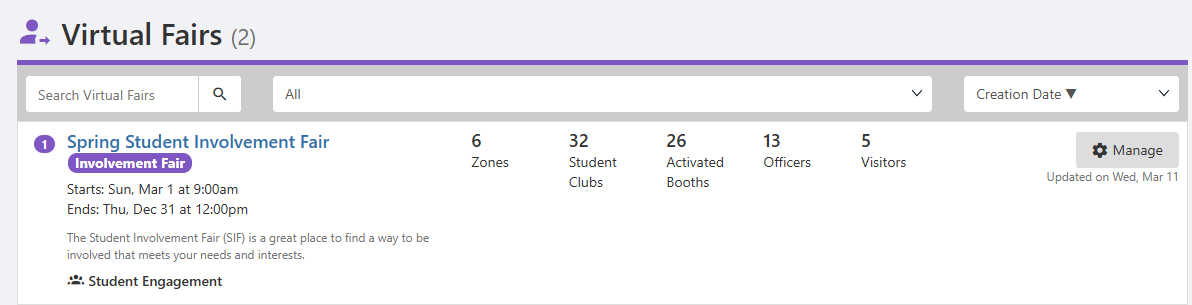
Virtual Fairs Virtual Fair Booth Settings are created by a hosting group, with group booth details Virtual Fair Booth Settings provided by the host and / or participating groups.
To make a virtual fair accessible to users, the Virtual Fairs hub menu item Virtual Fair Reports must be added to the Community Hub Managing a Community Hub accessible to the relevant users.
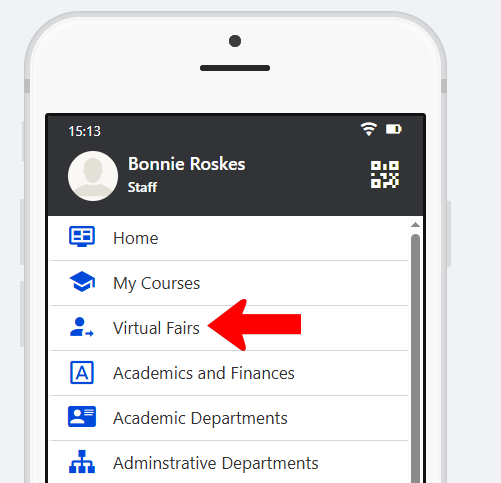
Note: This is a web-only hub menu.
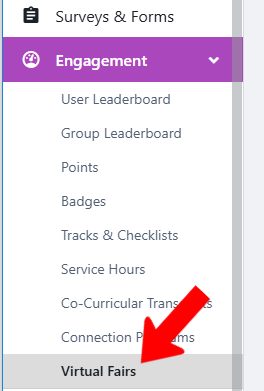
To manage Virtual Fairs platform-wide, switch to Admin mode XRF if needed, open Engagement on the left, and choose Virtual Fairs.
The Virtual Fairs list displays all fairs, with hosting group, zones and clubs, etc. Each fair also has a Manage button.