
Your campus may require some or all groups to re-register each year, semester, etc.
Keep in mind: This process is typically completed by a current group officer who is taking control of the group for the following year. The person who starts the process must be the one to finish it. The re-registration option is available when managing the group group settings. We also recommend consulting campus guidelines before getting started.
Depending on campus requirements, you may be able to complete that process even if you’re not currently a member of that group. If that is the case, you will see that re-registration is required when you try to join a group.

If non-members are allowed to re-register, you’ll see the Group Re-Registration button.
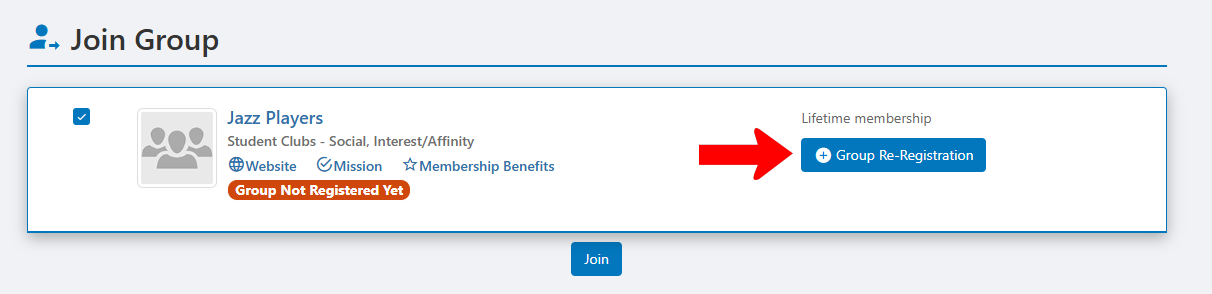 .
.
In the Group Registration Details page, existing details including name, category and mission are already filled in. You can edit other fields, and all details can be edited later by future group officers.

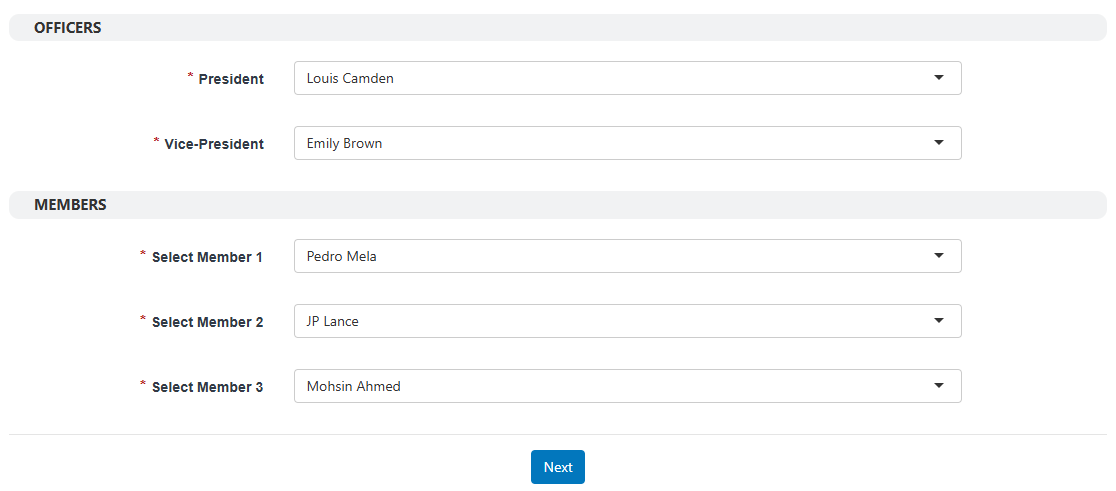
What you’ll see for Officers and Members depends on the requirements set up by campus staff. You may have to define one or more officers and a specific number of group members. Then click Next.
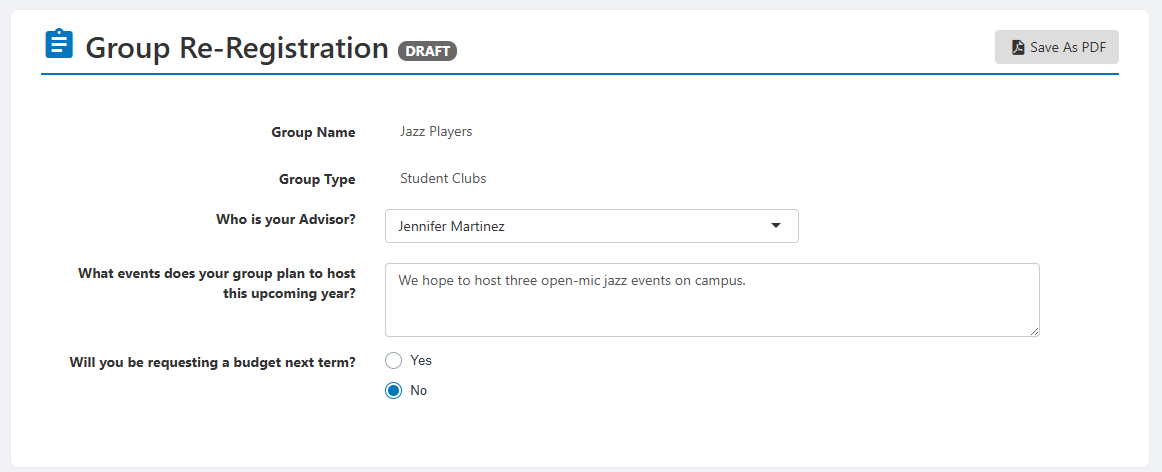
The form that appears next also depends on campus requirements. Complete the fields and submit when ready. You can also save the form as a draft and complete and submit later.
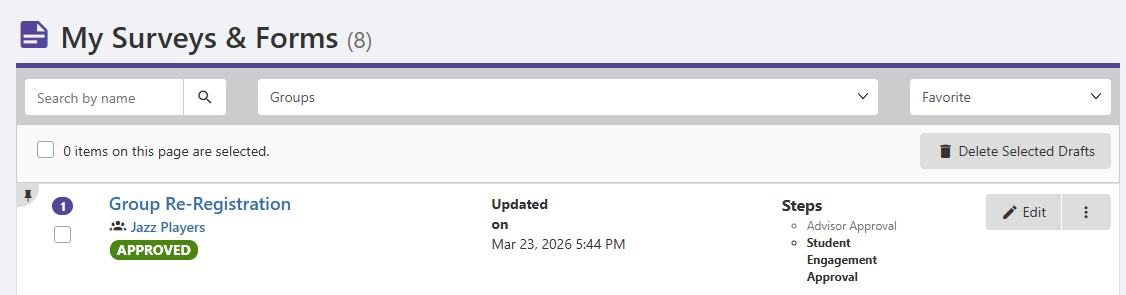
To track the approval process, go to My Activity and choose My Surveys / Forms. Your group re-registration form will be listed as Pending Approval.
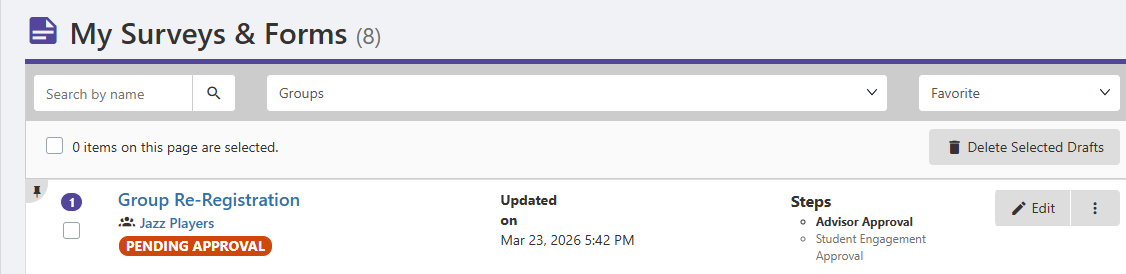
Once the various approvers have had their say, and the process is complete, your group will (hopefully) be approved. You may also see different statuses: Rejected, On-Hold, or Needs Modifications.
Depending on campus requirements, incoming officers may also have to accept or approve their new positions.