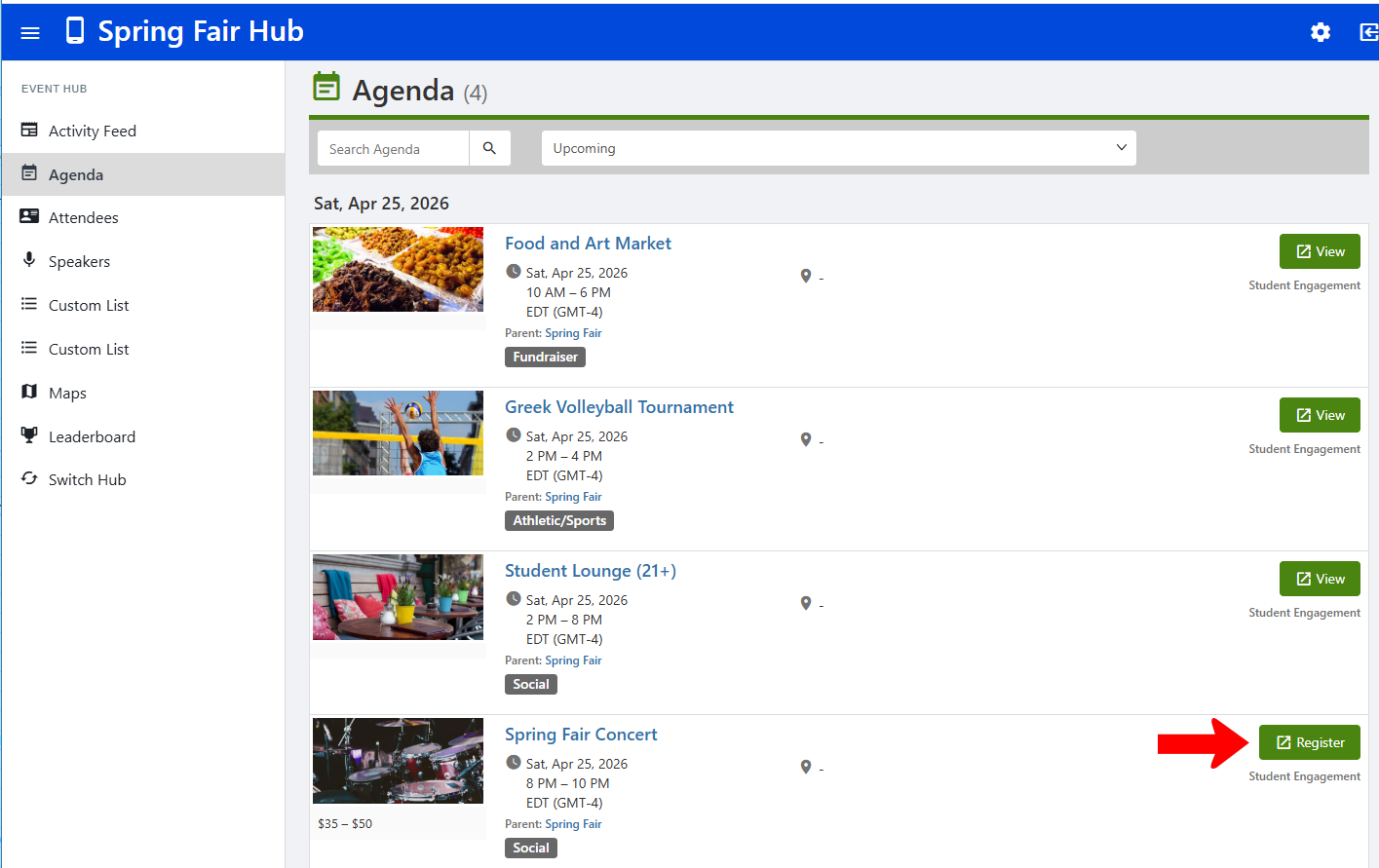
By default, Event Hub Registration Options for Event Hub Sessions sessions do not require registration. When users view sessions in the hub agenda, each session has a View button.
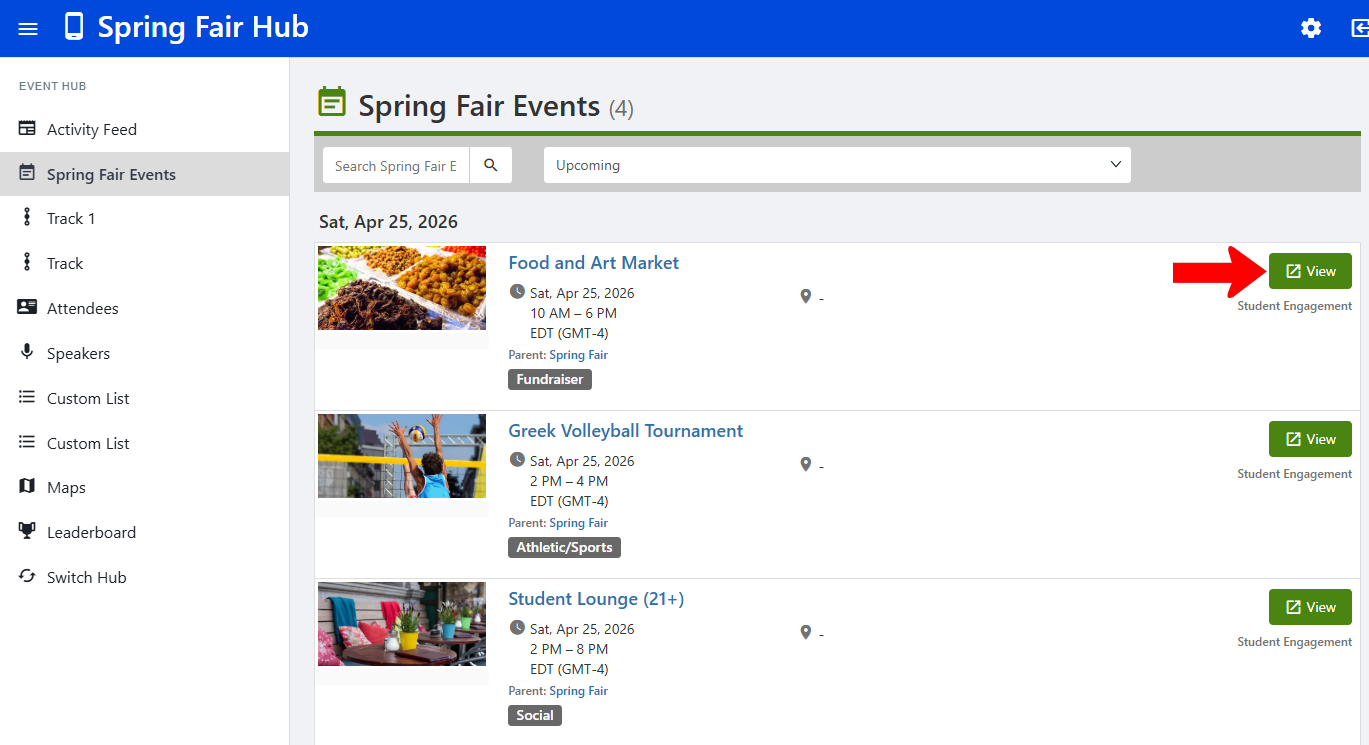
If any sessions do require registration options, you will have to edit the session.
One way is to find the session in the Events list Managing Events: Events List and click Edit Event. But you can also do this while managing the hub.
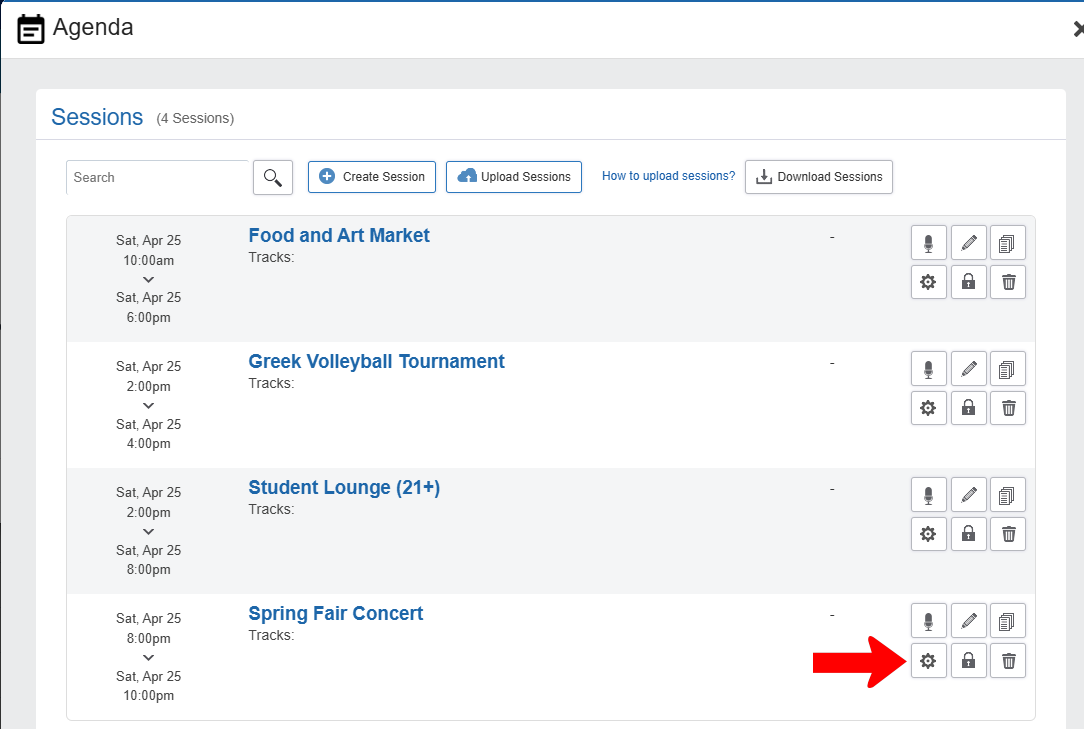
Click the Edit icon for the Agenda hub menu item. Then click Manage Sessions.

Find the session that requires registration and click its Settings icon.
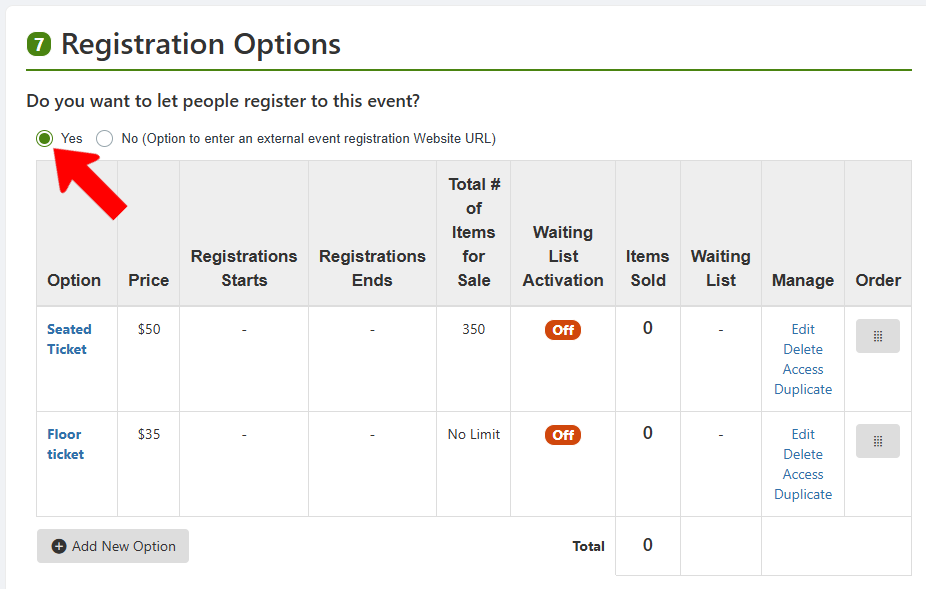
This opens, in a separate tab, the Edit Event window. Scroll down to Registration Options Registration and Feedback Options and enable registration. This is also where you can set RSVP and ticketing options.
In the hub, any registration-enabled sessions will have a Register button.