Computer check-in is one of several methods for checking in attendees and tracking attendance Check-In and Attendance Tracking.
This method is useful when you have a staffed check-in table and computer.
Start by managing your event Managing and Editing Your Event and click Check-in Attendees at the top.

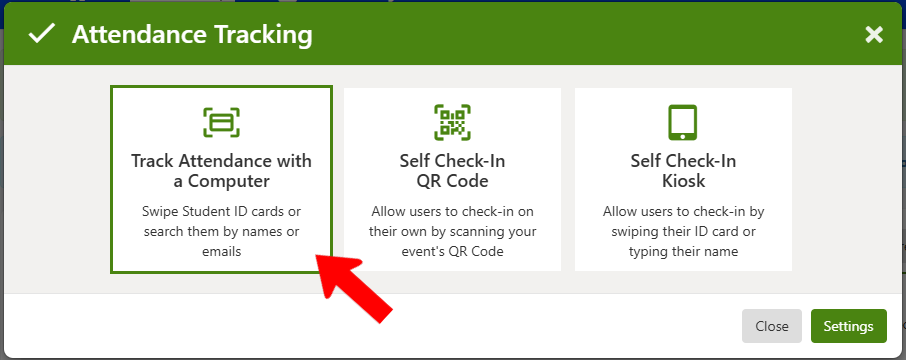
Choose Track Attendance with a Computer.
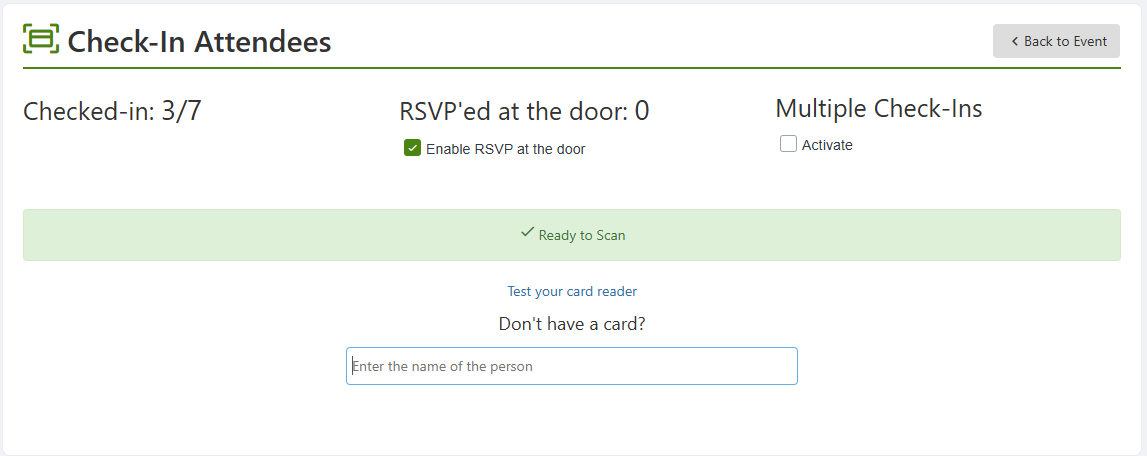
If you have a card reader set up, you can scan cards here. Otherwise you can enter attendee names manually. There is also an Enable RSVP at the door option, to accommodate those who did not register in advance. Activating Multiple Check-Ins enables you to check in a user multiple times to the same event (for example, if an event has multiple sessions).