Admins can create surveys and forms, and this is done the same way as for group officers.
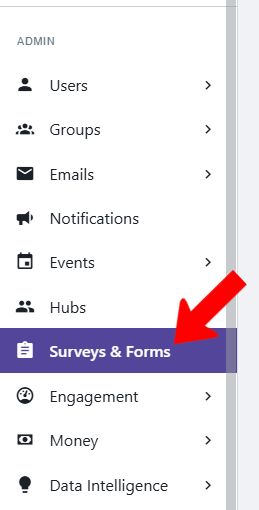
To see all surveys and forms sent by all users, switch to Admin mode if needed and open Surveys & Forms on the left.
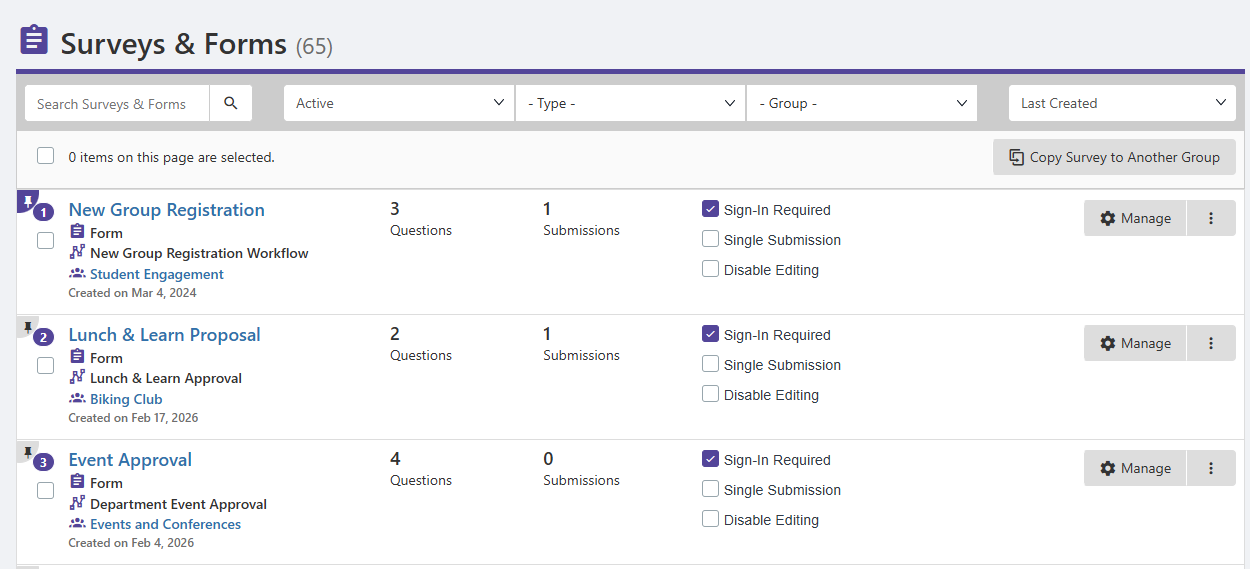
The Surveys & Forms lists all group forms by default, but the list can be searched and filtered Surveys and Forms List to find specific forms.
Each form is listed with its type, associated workflow if relevant, and hosting group. You can also see the number of questions and submissions.
The checkboxes for Sign In Required, Single Submission and Disable Editing reflect options selected in the Form Settings but can be changed by admins if needed.
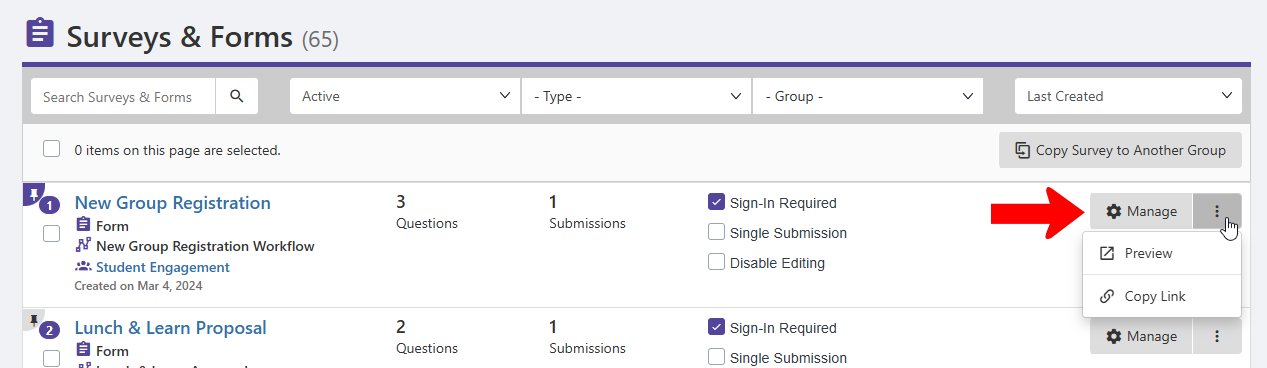
Clicking the Manage button, or clicking the form name, opens the list of submissions. Clicking the More (three-dot) icon opens options to Preview the survey and Copy Link.
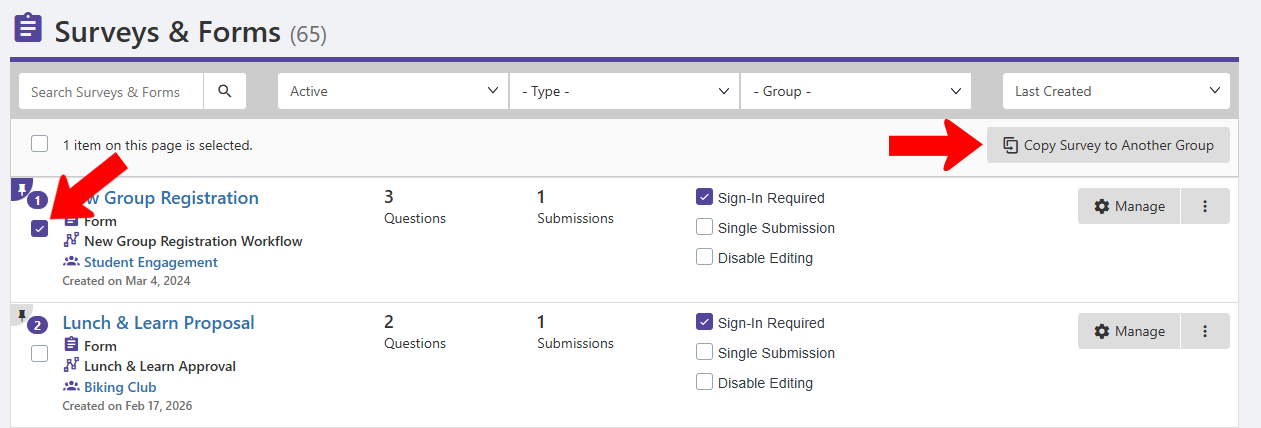
When one or more forms are selected, you can copy them to another group. This is particularly useful for approval forms.