
Group officers can create Stores for their groups, to sell or donate items. Platform admins can view and manage stores across all groups.
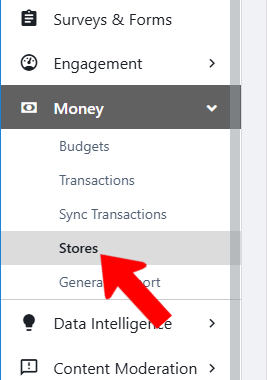
Switch to Admin mode Stores if needed, open Money on the left, and choose Stores.
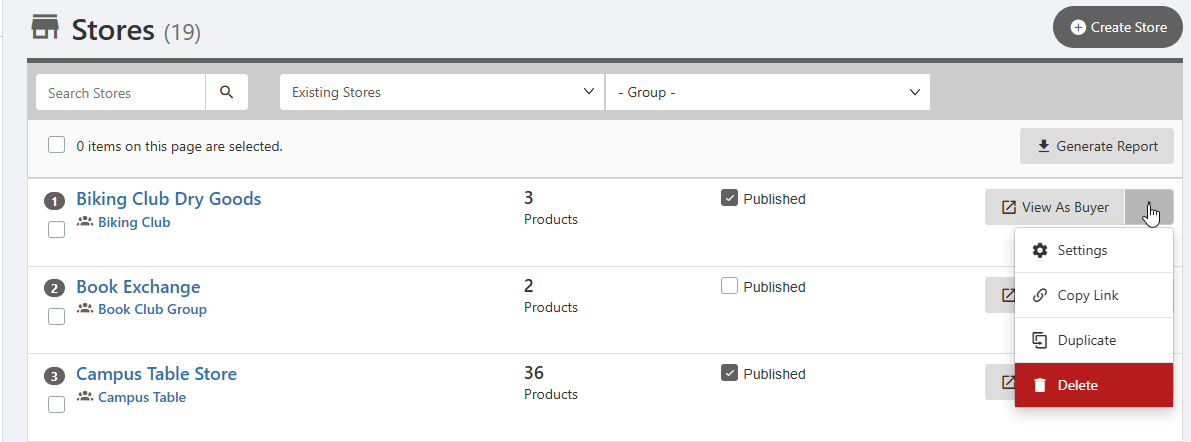
The Stores list displays all stores platform-wide, including hosting group and number of products. You can publish and unpublish, view a store as a buyer, and click the More (three-dot) icon for options to adjust store settings, copy link, duplicate, or delete.
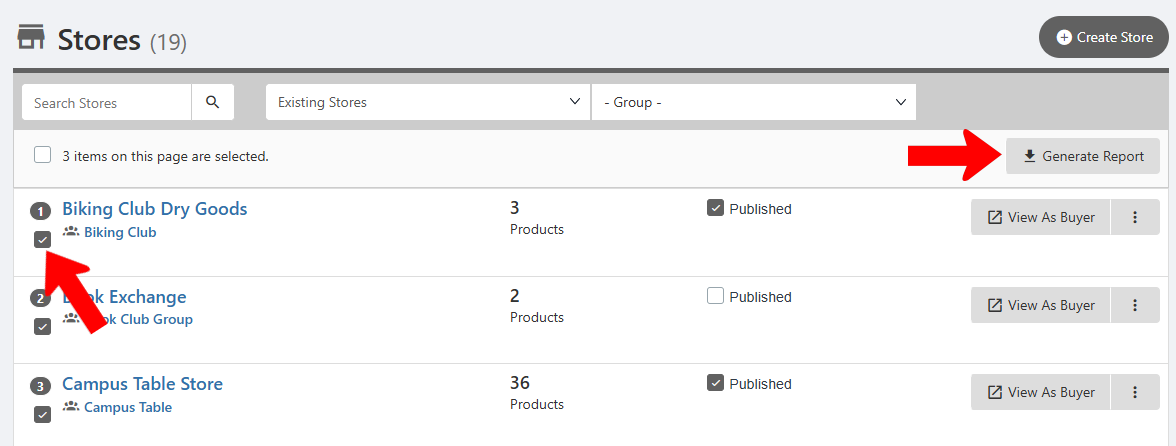
When one or more stores are selected, you can generate a store report.
Clicking a store name takes you to the store page within its hosting group, where you can make further edits if needed.