There are several places you can post videos for your group, such as your Group Page Managing the Group Page or a checklist Managing the Group Page.
Note: CampusGroups does not store actual videos, but rather video links. Videos must be uploaded first to YouTube or Vimeo.
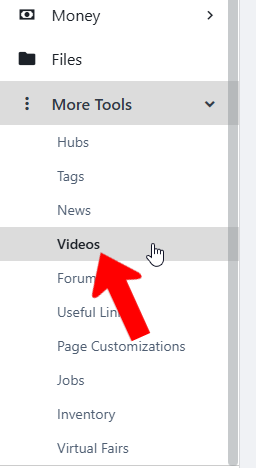
To upload a video for group use, manage your group, open More Tools on the left, and choose Videos.
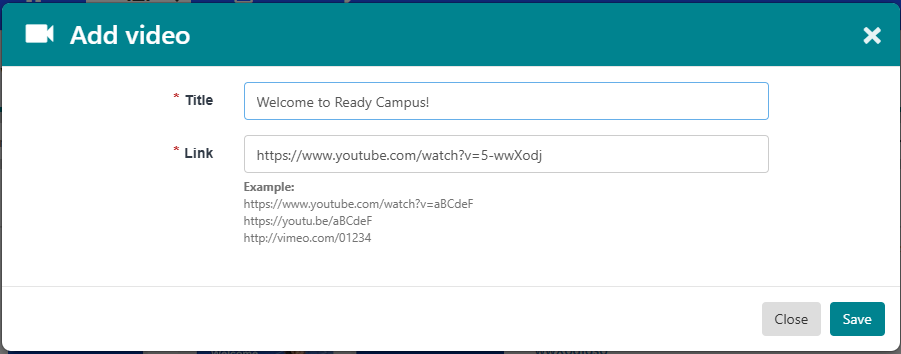
Click Create Video.

Enter the video title and link.
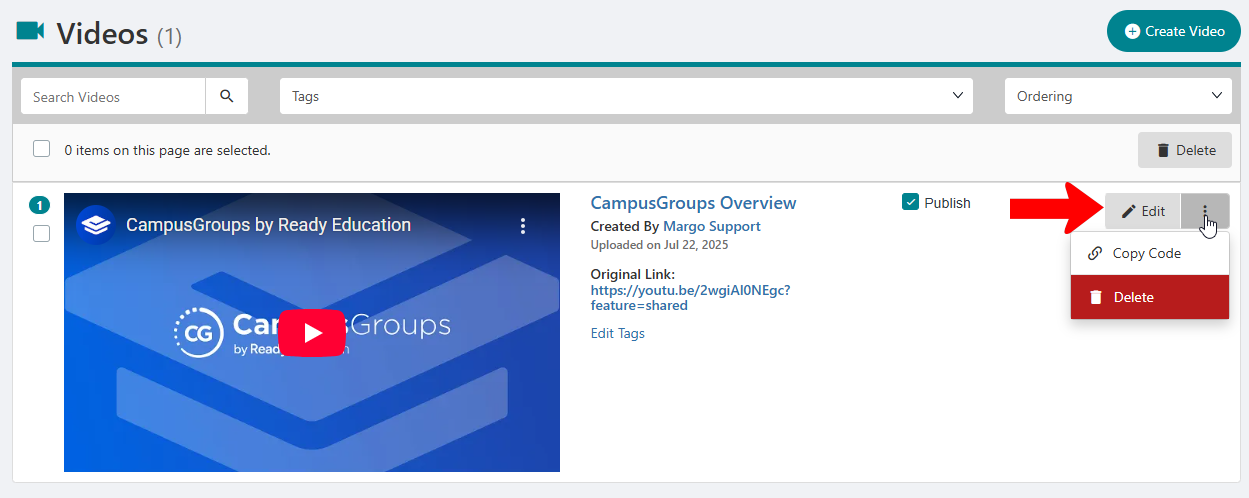
Each video is listed with its link and the user who uploaded it. Click the Edit button to change the video title or link. Clicking the More (three-dot) icon opens options to Copy Code (video link / QR code), and Delete.