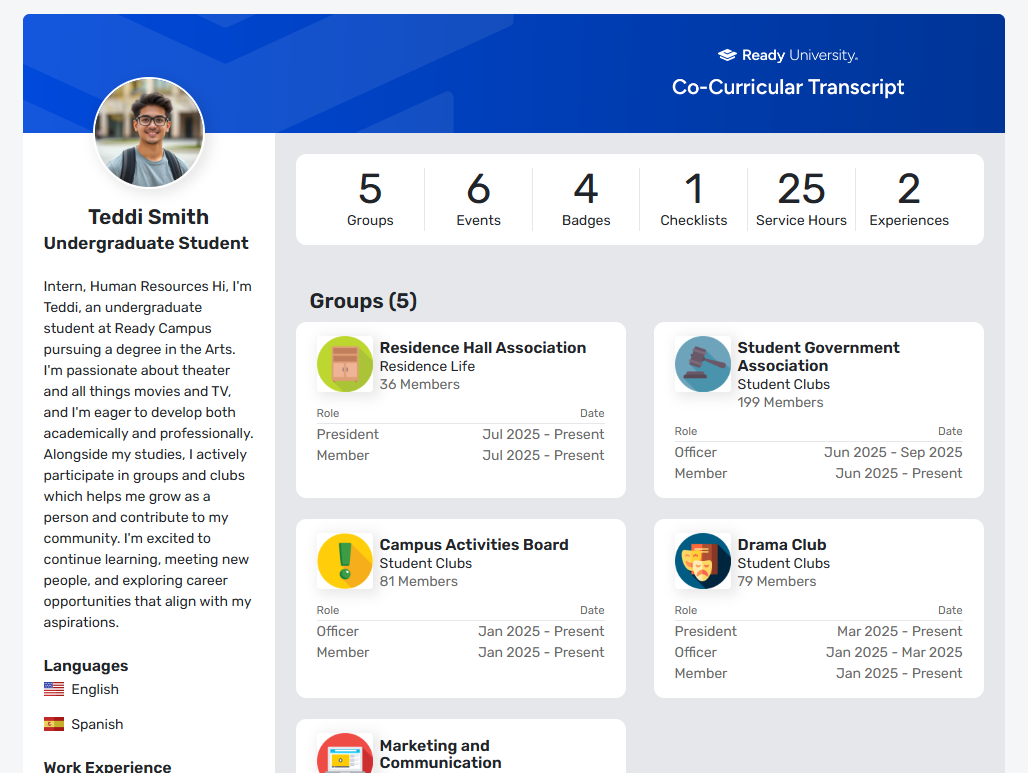
Your Co-Curricular Transcript (CCT) is your campus involvement record, highlighting your group memberships, leadership positions, event attendance, and more. You can customize your CCT and generate a document to showcase your achievements.
On the web version, on My Activity menu or section XREF, choose My Activity XREF / My Co-Curricular Transcript or My Involvement / My Co-Curricular Transcript.
What appears in your CCT depends on what sections your campus has configured for the CCT, and your campus involvement. Along the left are your User Profile XREF details. Along the top is the summary of your groups, events, badges XREF, checklists, service hours XREF, and experiences.
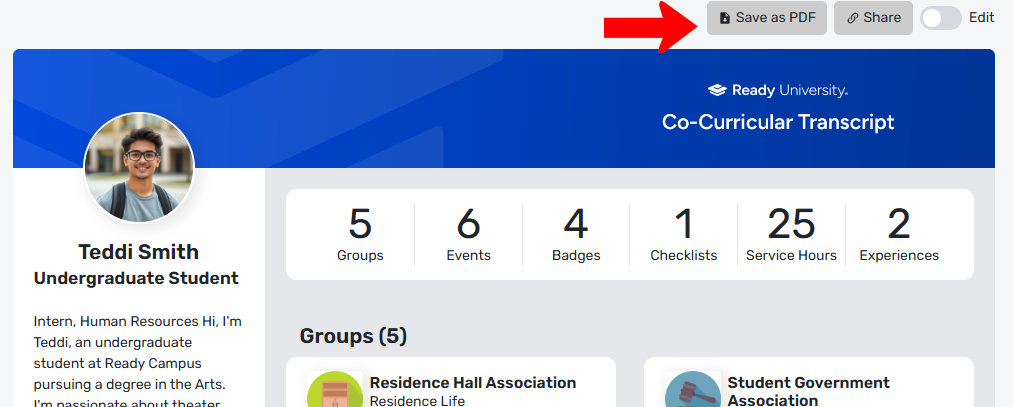
At the top are options to save the CCT as PDF, or get the link to share the CCT in its own web page.
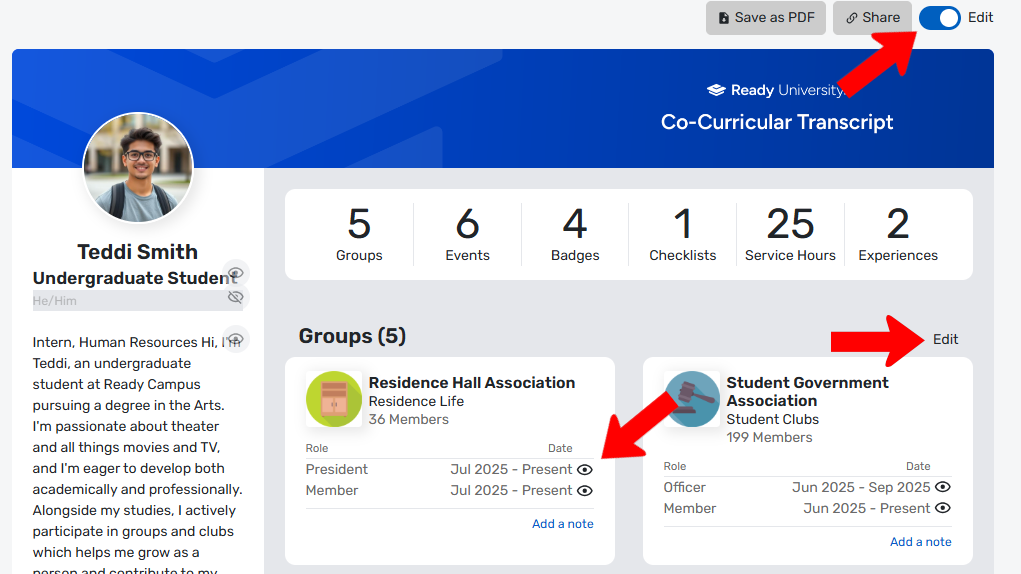
You can also edit your CCT by enabling the slider at the top. While in edit mode, there are Edit links for every section, and visibility icons for items you may want to hide from view. You can also add explanatory notes in many sections.
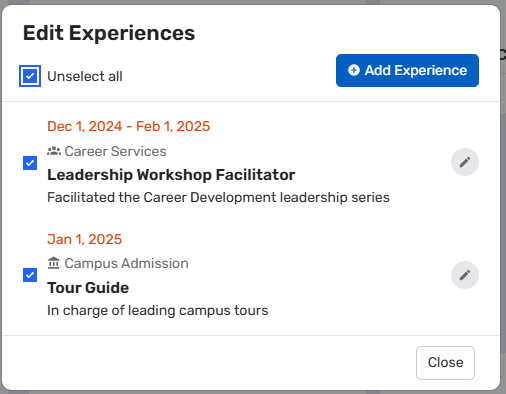
When editing the Groups section, all groups to which you belong are listed, and you can choose the ones you want to appear in the CCT.
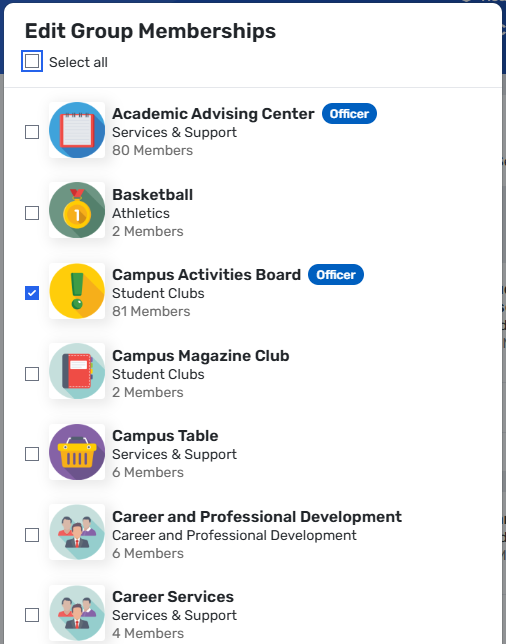
Editing other sections work in a similar way.
Experiences is the only section that does not pull in data from the platform. Here you can self-report experiences that do not fall within an existing section type, such as off-campus events, department certifications, awards, etc.