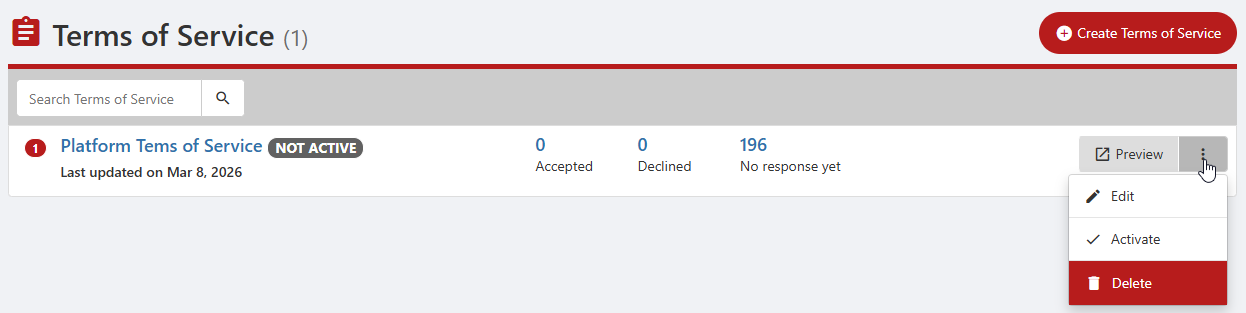
Creating terms of service enables you to specify terms to which users must agree before gaining access to the platform. Typical terms include standard privacy policies, codes of conduct, etc. If a user declines the terms, their account is deactivated.
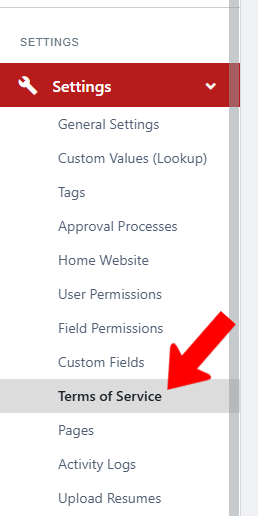
To create terms of service, switch to Admin mode XREF if needed. Open Settings on the left, and choose Terms of Service.
Click Create Terms of Service.

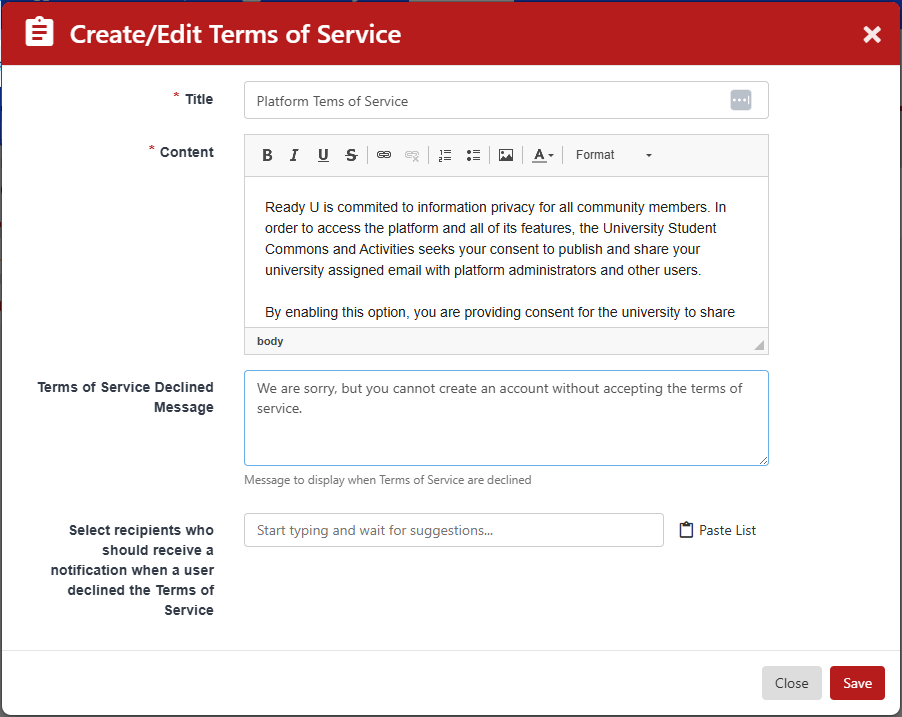
Enter a title and content, as well as a message for users who decline. If one or more users should be notified of user delines, enter their names.
In the Terms of Service list, you can preview the terms, edit, or activate.