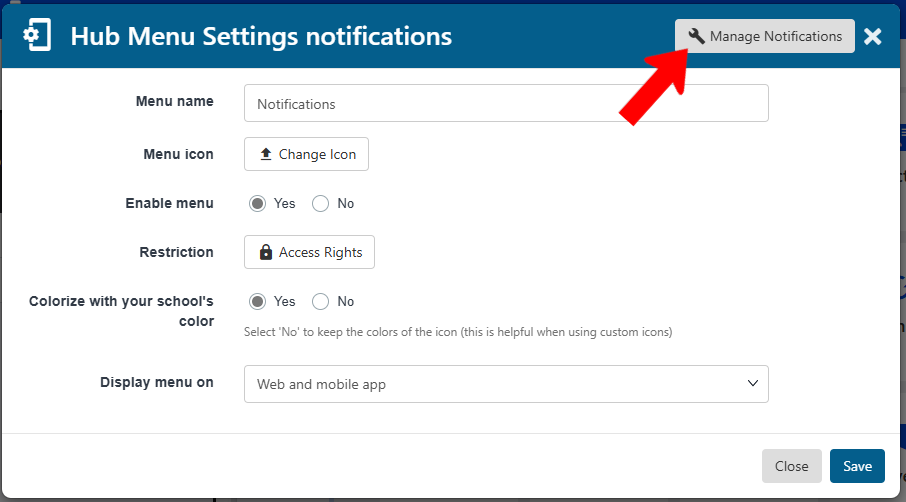
The Notifications hub menu has standard settings Hub Settings, plus a Manage Notifications button.
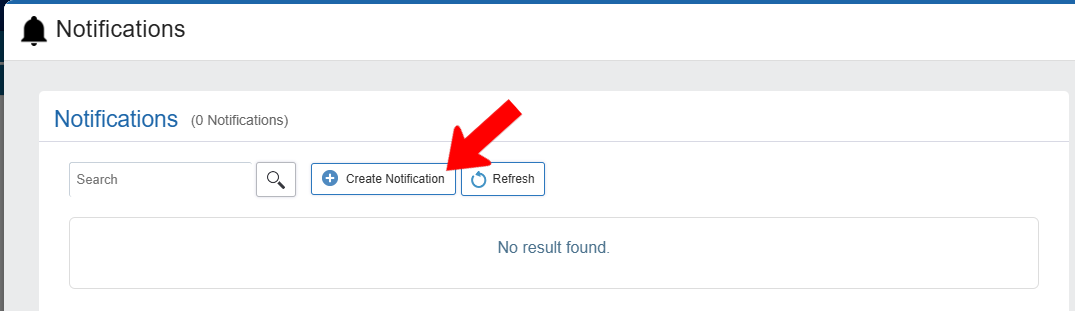
In the Notifications flyout, click Create Notification.
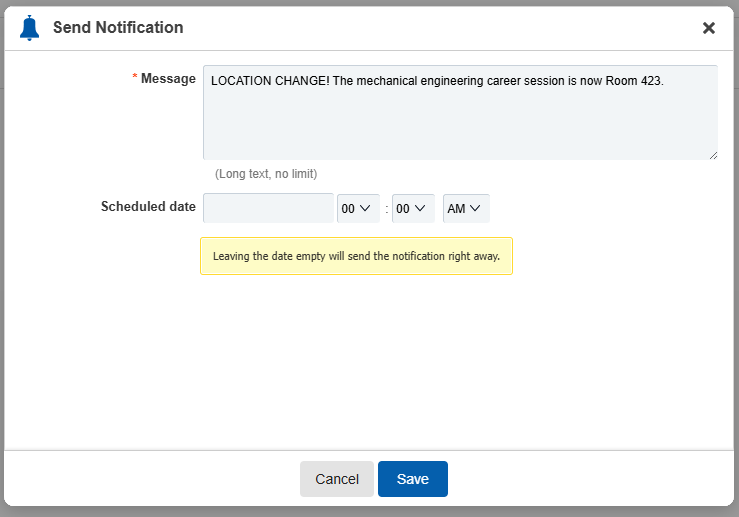
Enter the message to send, and schedule a send date and time. If no time is scheduled, the message will be sent immediately. The message will be sent as an in-app notification and emal.
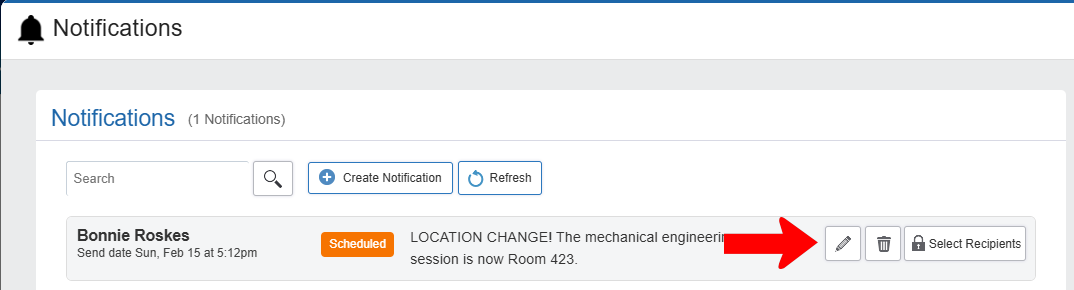
Once saved, you can edit or delete a message, or click Select Recipients to define who will see the message.