There are two hub menu items for adding maps to an Event Hub or Community Hub: Google Maps and Maps.
The Google Maps hub menu has standard settings Hub Settings, plus a Google Map URL button.
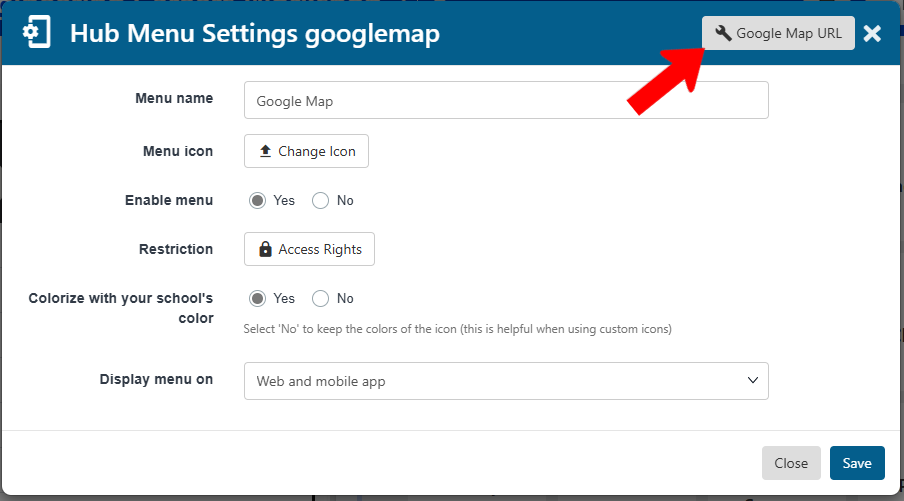
Enter the URL for the location in Google Maps.
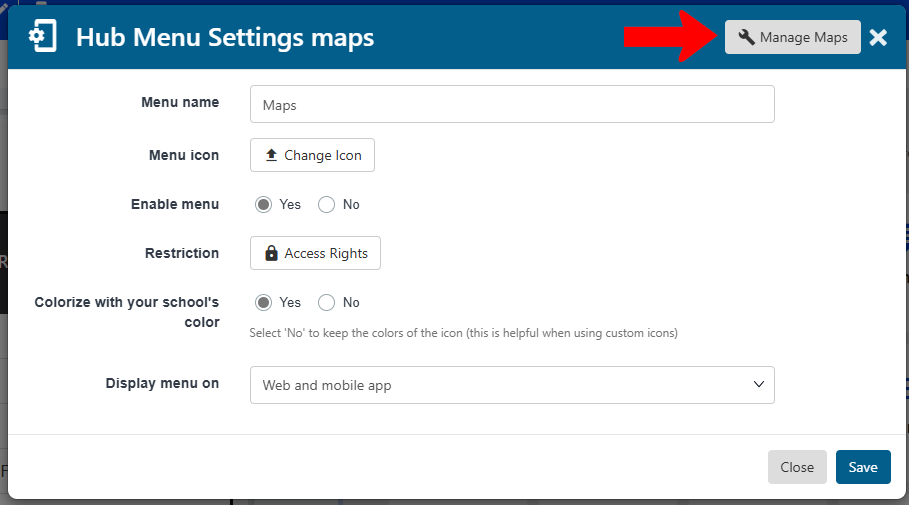
The Maps hub menu also has standard settings Hub Settings, plus a Manage Maps link.
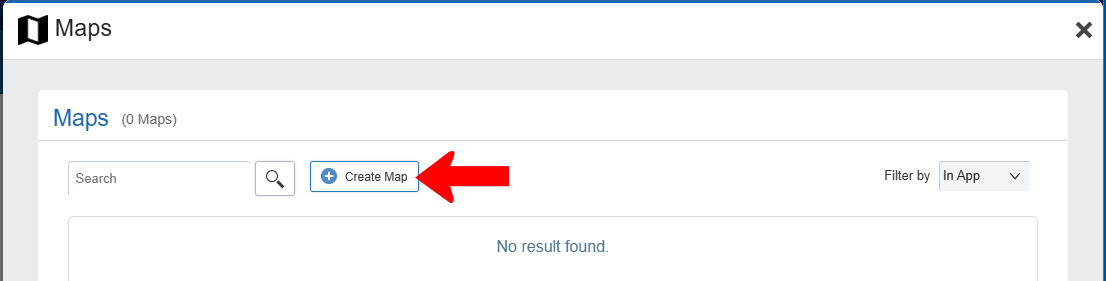
On the Maps flyout, click Create Map.
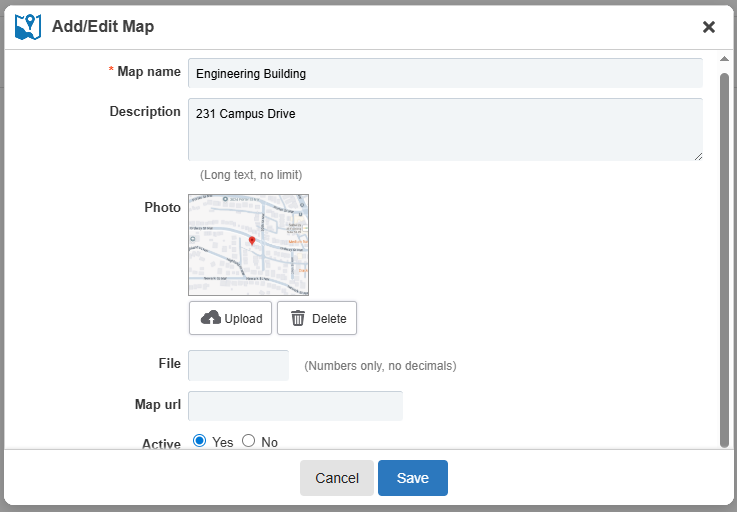
Assign a map name and description, and attach an optional photo and / or URL.