
This is one of the four client deliverables, for the CampusGroups Dedicated Mobile App. These items should be sent over to your Technical Project Consultant, via zipfile in your open ticket with Integrations@readyeducation.com
Please pay close attention to the details outlined below such as character limits, dimensions, acceptable formats and the size and centering of logos.
App Information: 5 items
- App Title: 30 Character Maximum*, including spaces
This shows on the Apple Store and Google Play Store when downloading the app.
(*Less than 19 characters ensures no cut off in iOS search page) - App Name:
This shows under the app icon when installed on a device.
(*Less than 10 characters or fewer will be best fit with icons) - Short Promotional Text: 80 Characters Maximum, including spaces
This text will appear above your description on the App Store for customers with devices running iOS 11 or later, and macOS 10.13 or later. Promotional text lets you inform your App Store visitors of any current app features without requiring an updated submission. - App Description:
One to two small paragraphs about your app - Keywords: 100 Character Maximum, including spaces
This allows users to find the app on the stores more easily. If you do not provide any, we will create generic ones. Ex: campusname, appname, student engagement, involvement, events, event app
Images & Icons: 7 items
Small Notification Icon (1): .SVG file only
This is utilized by Android devices to display the push notification on the home screen.
An .SVG file is a 'Scalable Vector Graphic'; a web-friendly vector file format. This must be a single color Vector file. Black, with a Transparent background (White is considered a second color). You may test your icon, here: SVG Viewer
- 64 x 64 .SVG
Below are examples of Small Notification Icons from other institutions
![Notification_icon[40]](https://6074670.hs-sites.com/hubfs/Notification_icon%5B40%5D.svg)


App Icons (2): .JPG or .PNG format
Please follow Android specifications for the best placement of your logo.
You may test your icon here: Adaptive Icon Tester
- 512 x 512 .JPG, or .PNG - Android
- 1024 x 1024 .JPG, or .PNG - iOS

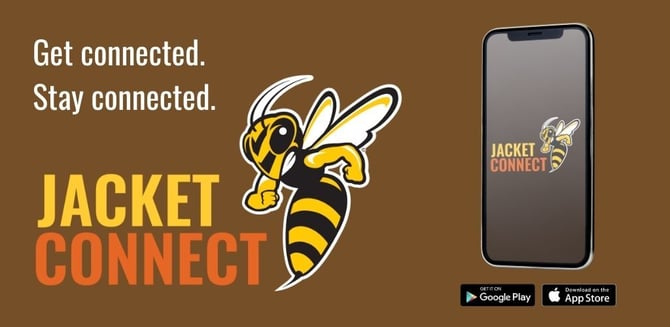
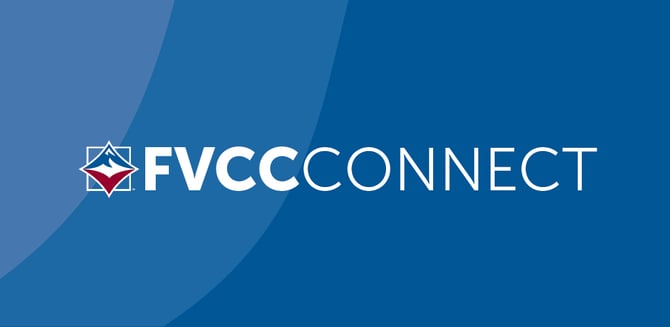
Featured Graphic (1): .JPG or .PNG format
This is displayed on the Google Play Store when searching for the Android app
- 1024 x 500 .JPG, or .PNG (landscape image)
Below are examples of Featured Graphics from other institutions
iPhone & Android Splash Page Image (3): .JPG or .PNG format
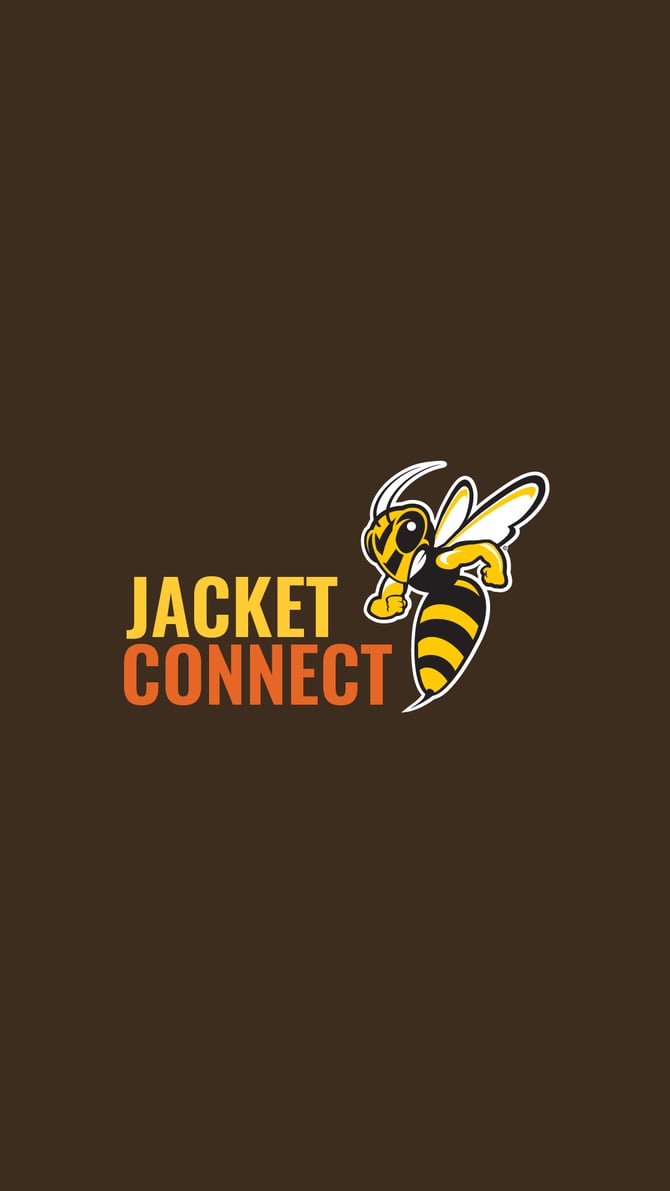
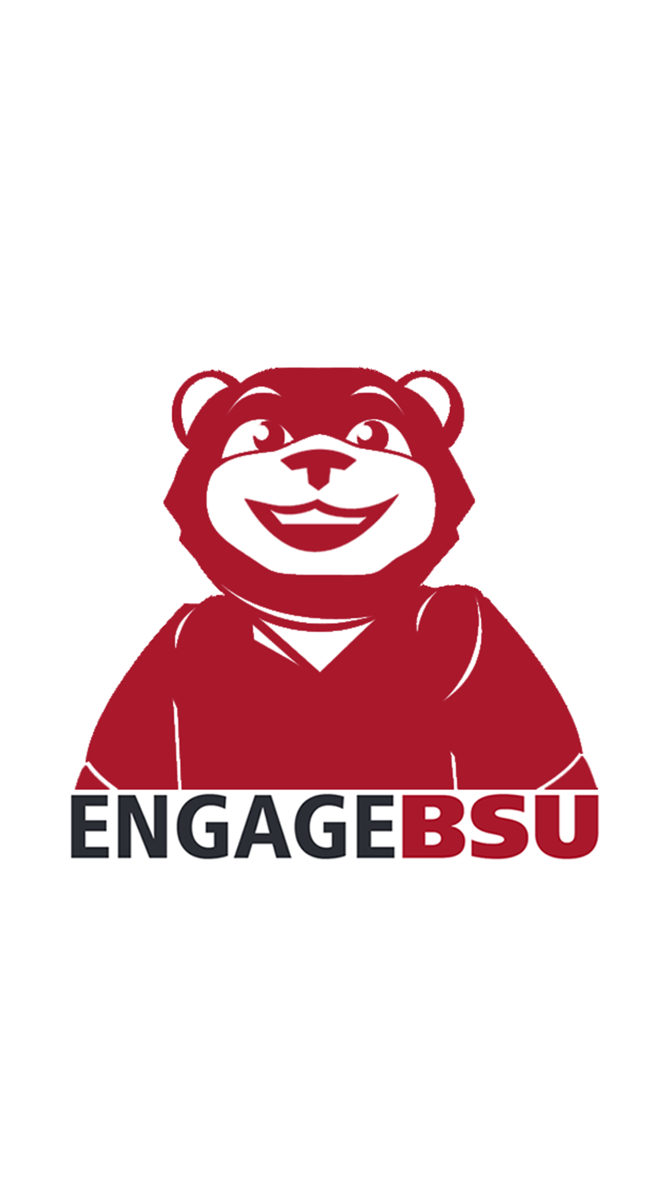
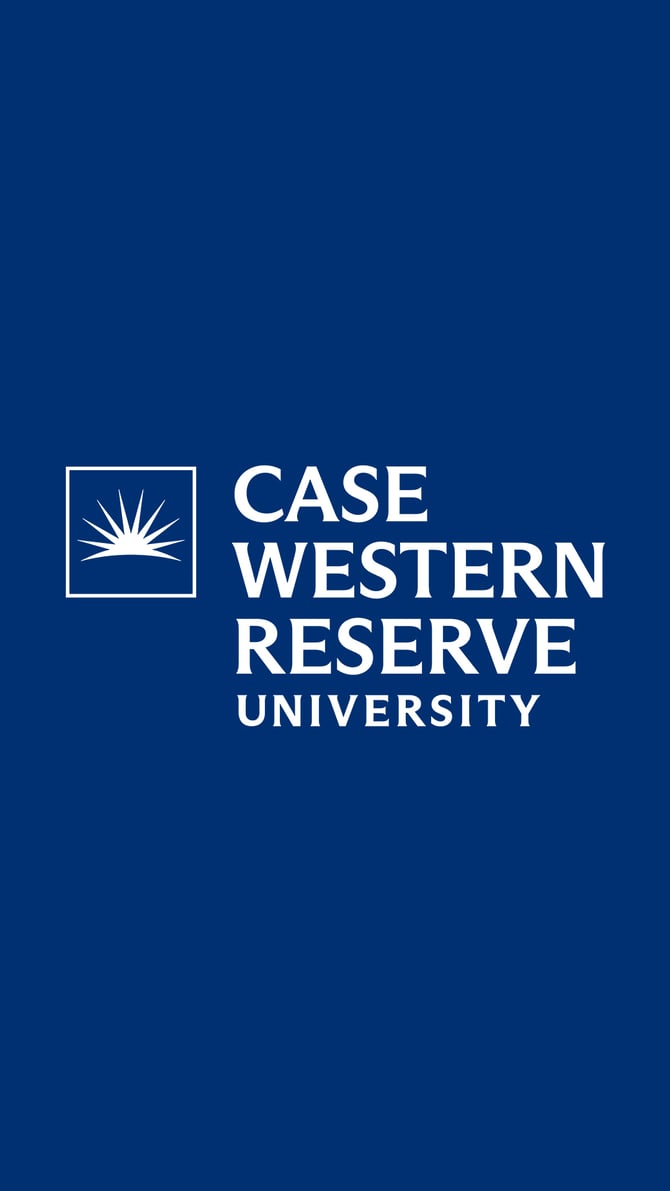
This image is displayed when launching the app on a device. The placement of the logo on each of these images must fit within a centered 1024 x 1024 dimensions. This ensures the logo is not cut off when viewed on various devices.
-
1242 x 2688 .JPG, or .PNG
-
1536 x 2048 .JPG, or .PNG
-
2732 x 2732 .PNG only
Below are examples of Splash Page Images from other institutions
For any questions regarding your branded assets, please contact your Technical Project Consultant, in the open ticket you have with Integrations@readyeducation.com.