
If you have integrated a payment gateway such as PayPal or Stripe into our platform, you can generate a report of all platform transactions using this gateway.
Note: These transactions are separate from what appears in the Transactions list Transactions, reflecting the budgeting process Transactions.
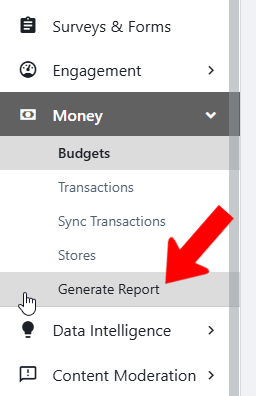
Switch to Admin mode Transactions if needed, open Money on the left, and choose Generate Report.
Set a date range, and choose the fields to include. You can also apply transaction filters, to include credits, refunds requested and completed, zero-dollar transactions, and incomplete transactions.

Note: CG Payment ID will be identical to the payment gateway’s UID for the transaction.