
Self check-in via kiosk is one of several methods for checking in attendees and tracking attendance Check-In and Attendance Tracking.
Start by managing your event Managing and Editing Your Event and click Check-in Attendees at the top.

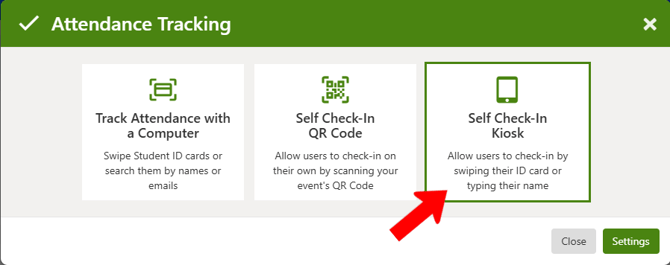
Choose Self Check-In Kiosk.
Click Kiosk Settings.
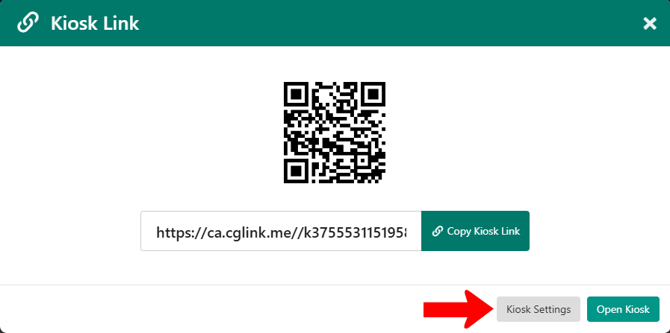
Configure the kiosk properties in the Attendance Tracking Options popup, then save.

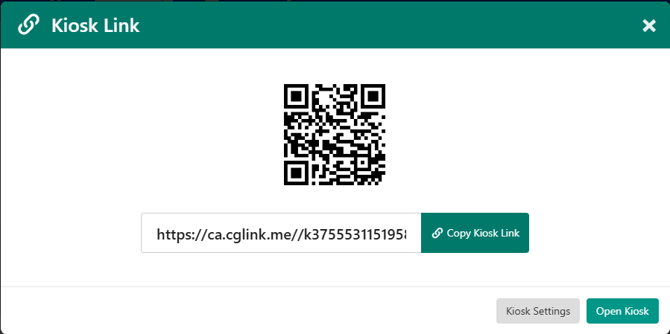
When ready to start check-ins, open the Kiosk Link popup again. You can open the kiosk, or copy its link for use on another device.
Attendees can self-check-in by either entering their name or swiping their ID card, depending on your configured settings.