Your campus may require certain existing groups to re-registration each year, semester, etc.
To require re-registration for a specific group, manage the group Group Settings, then open its Group Settings to the Advanced (Admin-Only) tab. Under More, set Group Status to Requires re-registration.

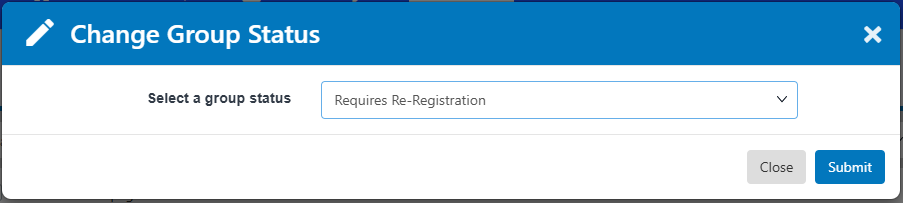
To require re-registration for one or more selected groups, open the All Groups list All Groups List: Managing Groups. Select the groups, click the More (three-dot) icon above the table, and choose Change Group Status.

Set group status to Requires re-registration.
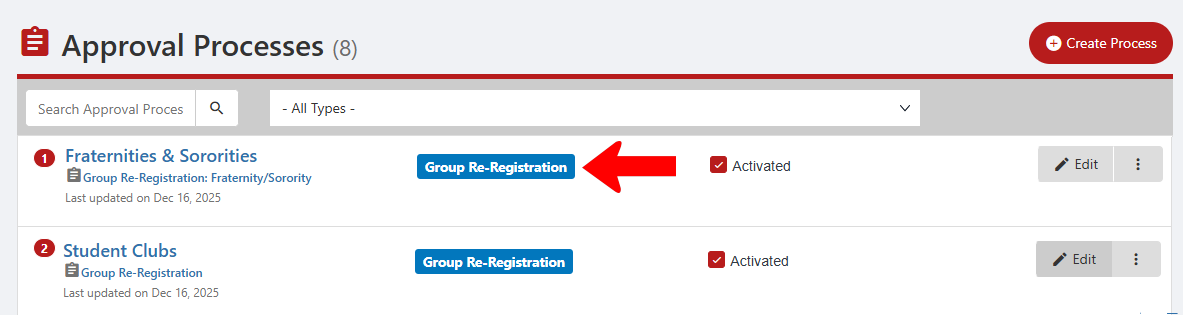
You will also need to have group re-registration Approval Processes in place for the relevant group types.