
As a group officer you can track email performance, to see who opened your email, how they interacted with it, and who has unsubscribed Unsubscribes.
Note: When viewing group emails Viewing and Tracking Group Emails, each email also has a Stats option, for viewing email interactions by gender and other user factors.
Start by managing your group Managing Your Group, Group Dashboard.
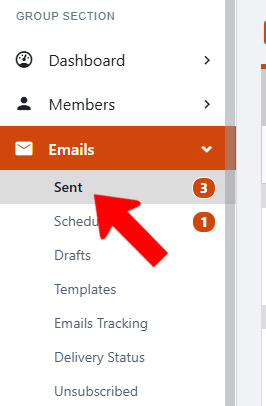
To track performance of an individual email, click Sent under Emails.
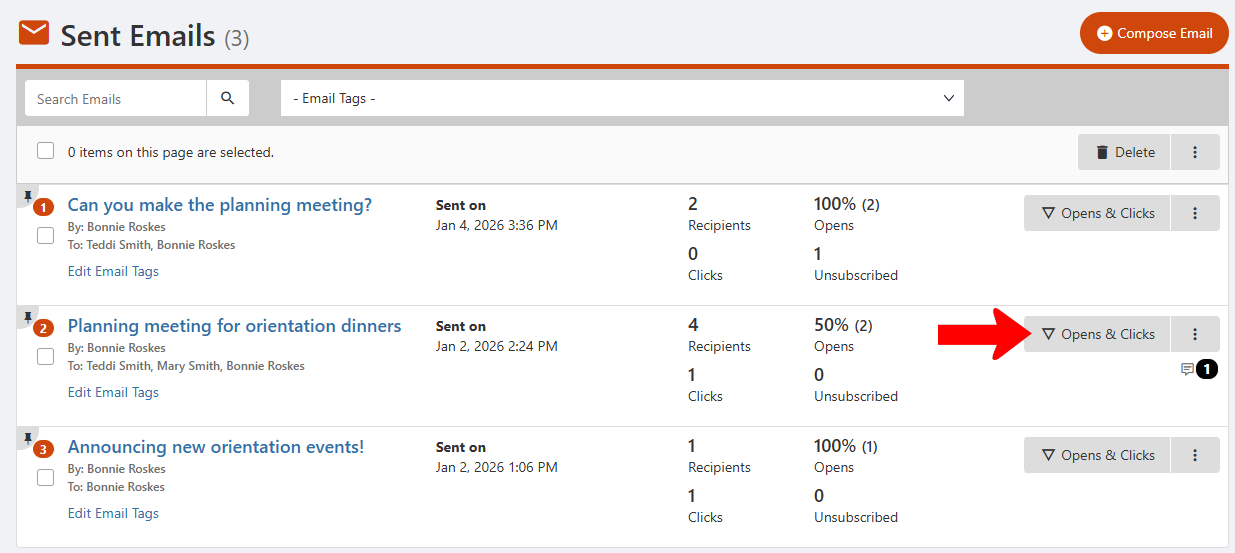
Find the email you want to track, and click Open & Clicks.
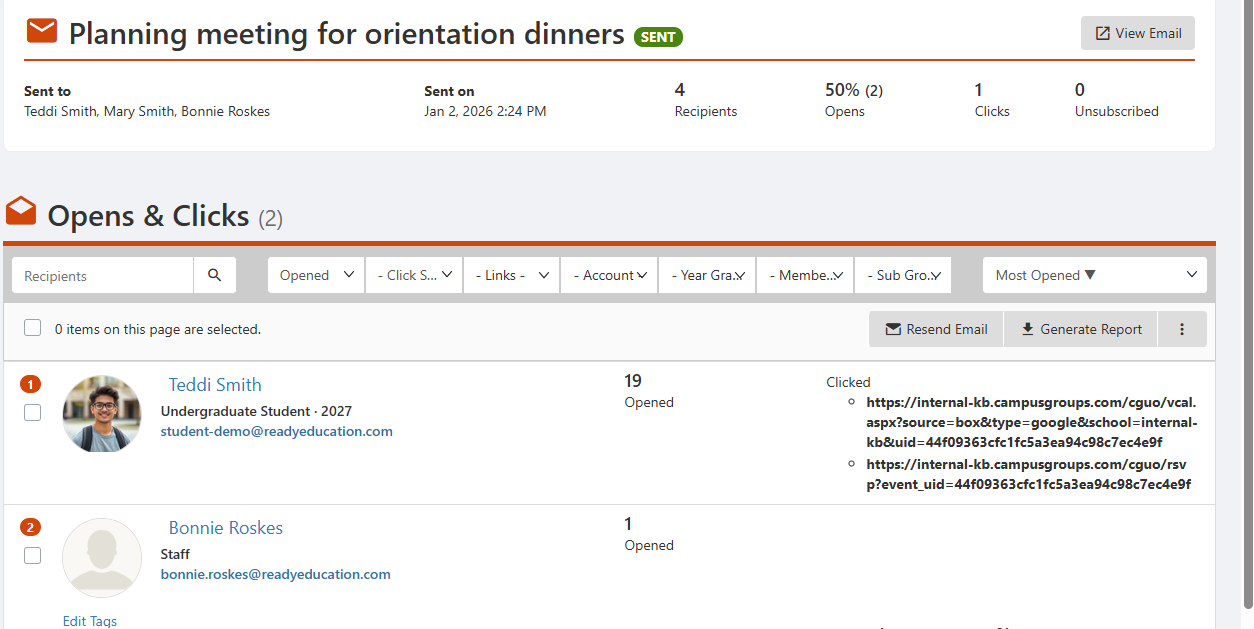
This list shows each user who opened the email, how many times they opened the email, and the links the user clicked.
To view email performance by user, open Emails along the left and click Emails Tracking.
