Once your event is created (and approved, if required), you can:
- Edit to make any necessary changes
- Manage the event to handle check-ins, registration options, and attendees
Find your event in the Events list.
Clicking Edit reopens the details set during the event creation process.

Note: If your events require approval Event Approval Process, your platform admin may require re-approval after certain event edits are made.
To manage the event, click its name or Gear icon.

There are three sections in the event management page.
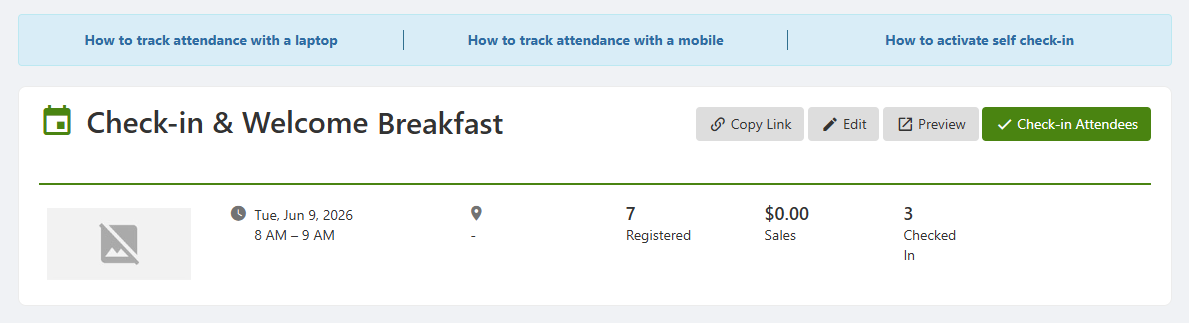
At the top is the event name and basic details, with a link to Check-In Attendees.
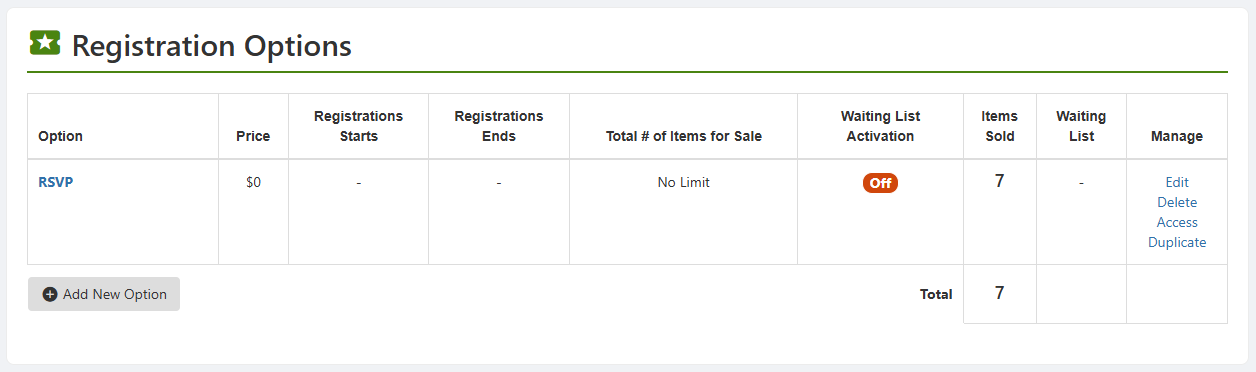
Next is Registration Options, where you can view numbers of registrations and create new registration options Registration and Feedback Options.
For each registration option, you can edit details, delete the option, change access rights, or duplicate the option to use as a basis for a new option.