
For collaborative events with multiple moving parts, a to-do list is a handy, organised way to ensure that everything gets done on time.
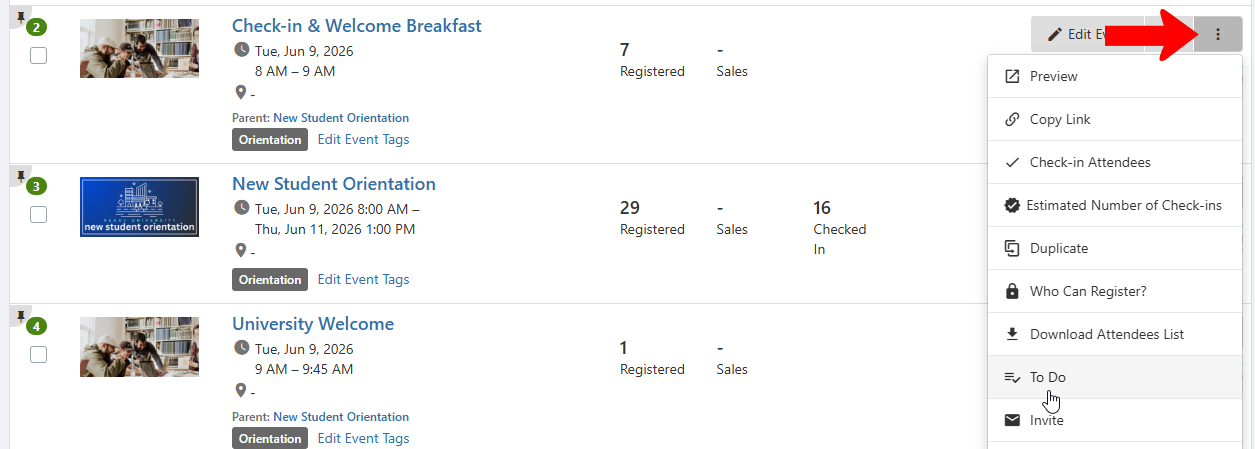
Find your event in the Events list, click its More icon, and choose To Do.
Click Create To Do.

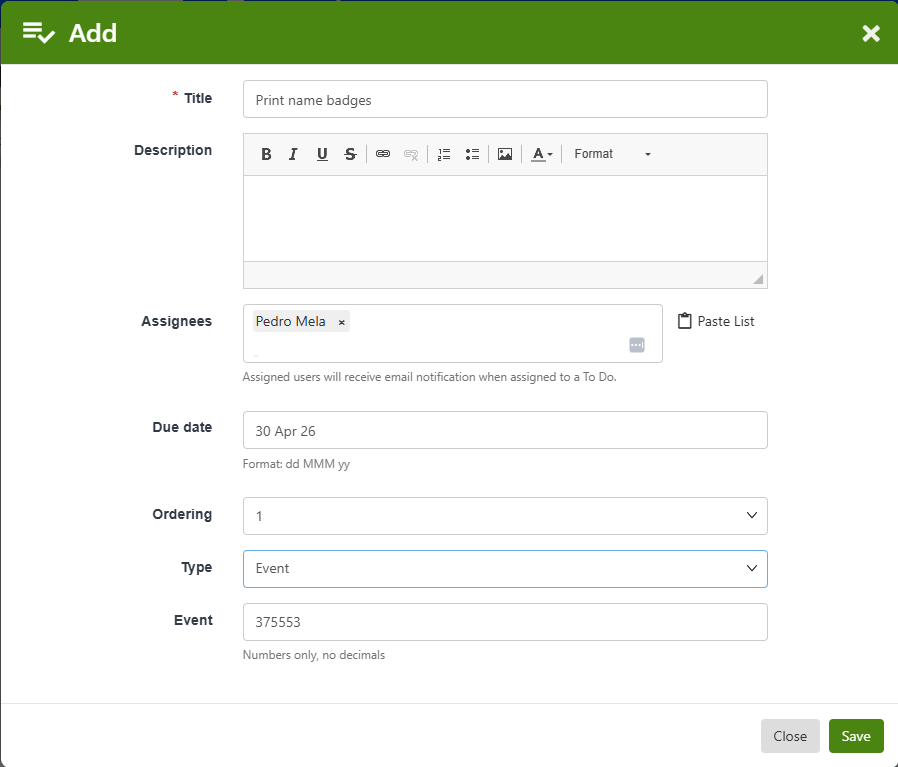
The only required field is Title, but you can also add a description, assignees, due date, and quantity.
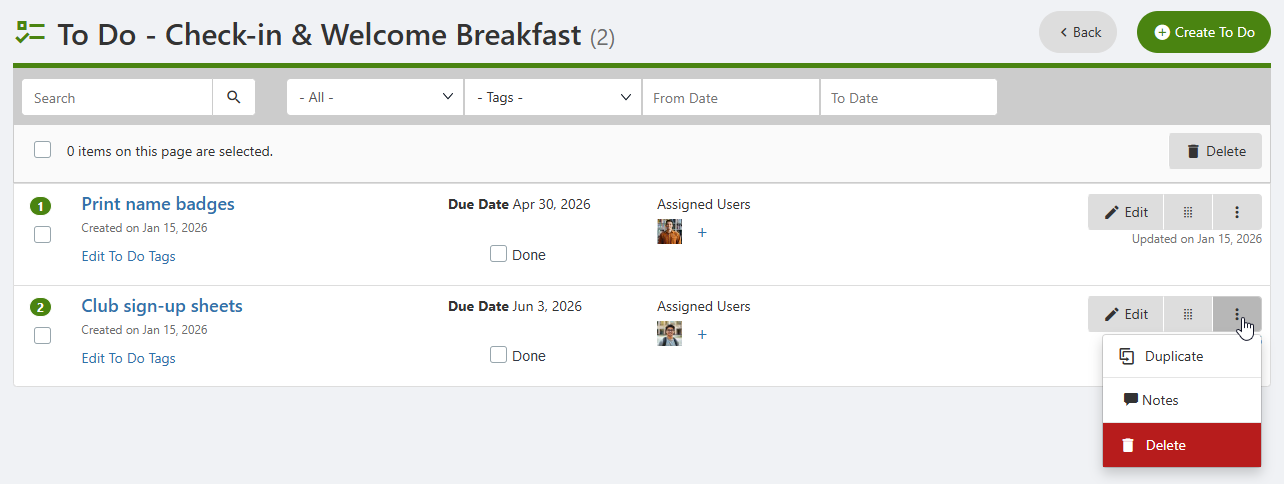
For each to-do on the list, you can add or edit Tags for easy searching, mark as done, or duplicate, add notes, or delete.
Events with to-dos are indicated on the Events list.
