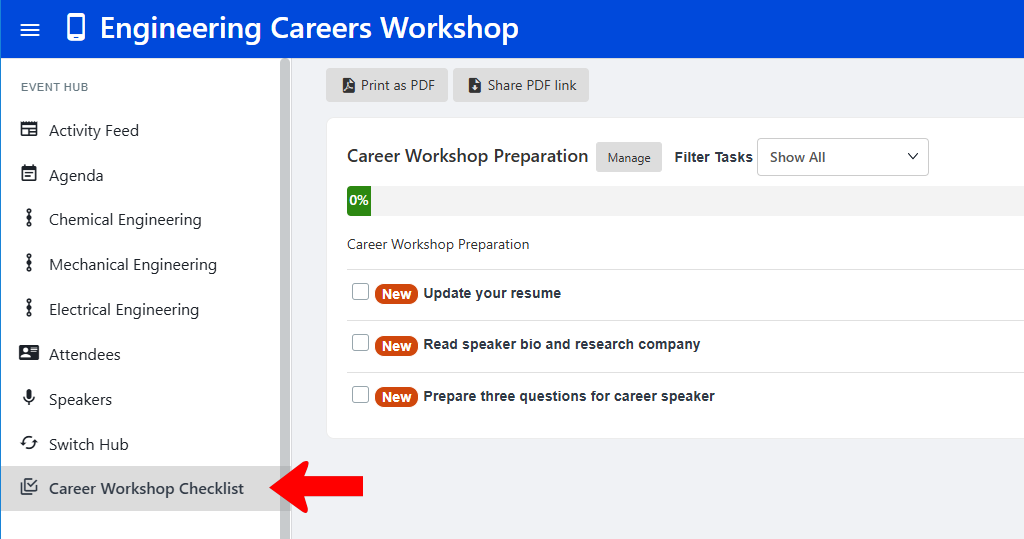
The Checklist hub menu item is used to add a checklist (a to-do list of items to complete before the event) to an Event Hub.
This menu has standard settings, plus a field for the checklist URL.

Checklists are found under Member Success. In this example, the checklist to add is Career Workshop Preparation, which has three items. To find its URL, click its More icon and choose Copy Checklist Link.

To add this checklist to the Event Hub, edit the Checklist menu hub item.

Change the menu name if needed, and paste in the checklist URL.

When a user is in this hub and opens the checklist, they will see the checklist contents.