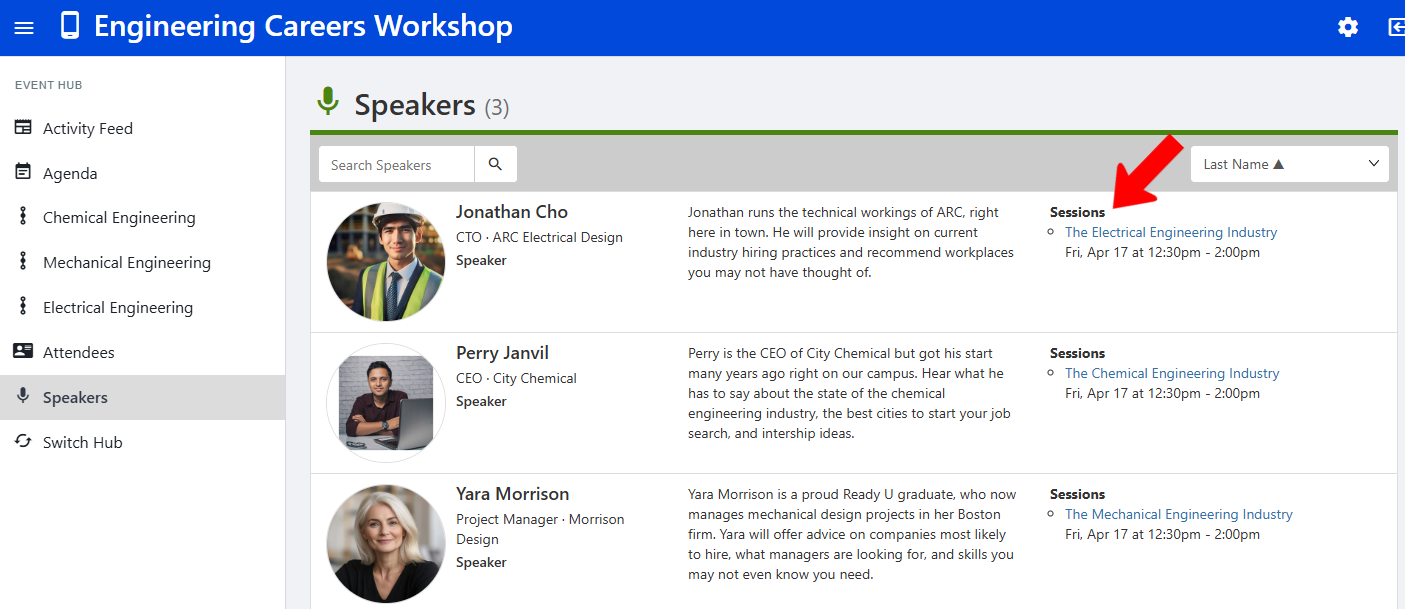
There are several ways to add one or more speakers to an Event Hub Adding Speakers to an Event Hub Session.
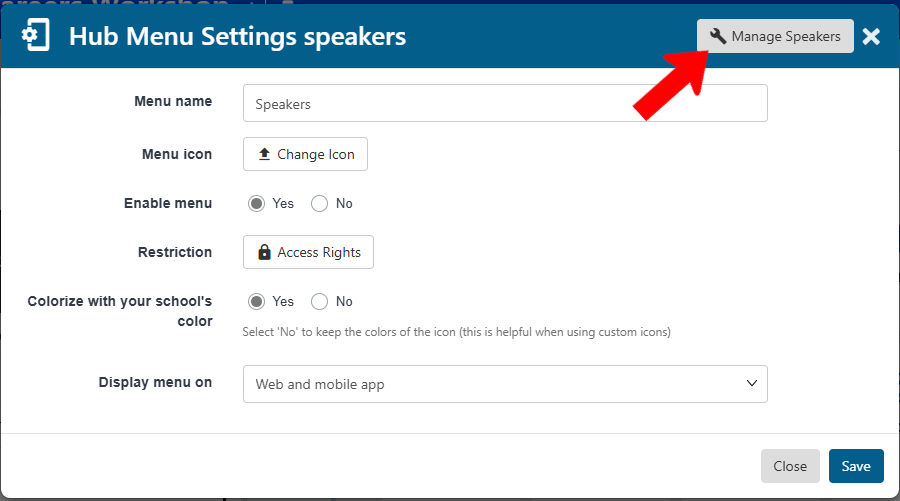
One way is to edit the Speakers menu hub item Adding Speakers to an Event Hub Session.

Click Manage Speakers.
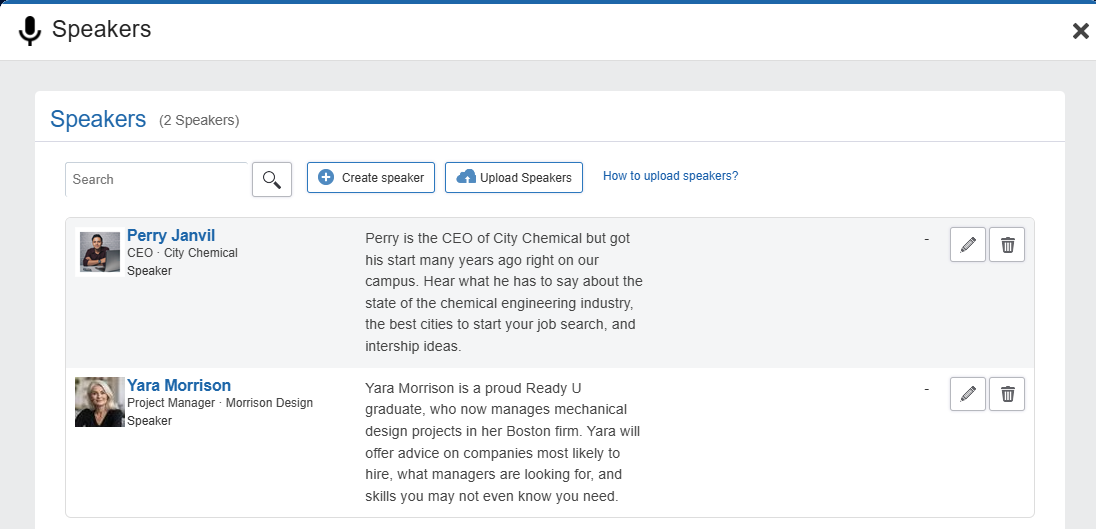
In the Speakers flyout, click Create speaker.

Note: If you have a list of speakers in a spreadsheet, you can use the Upload Speakers feature. Download the template, fill in speaker details, and upload.
Complete the details for one or more speakers.
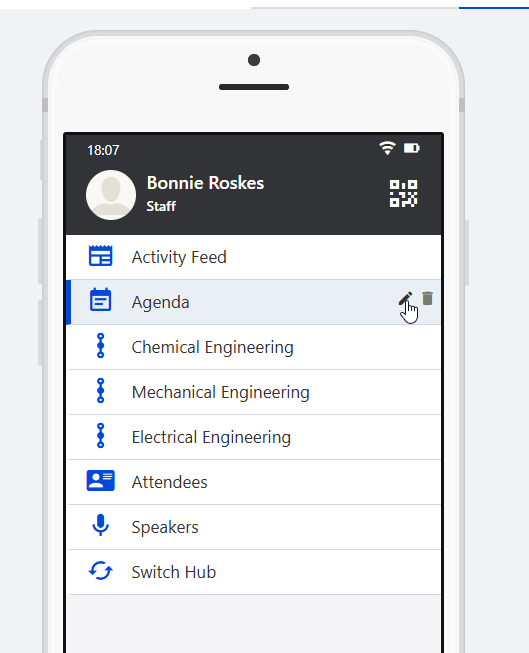
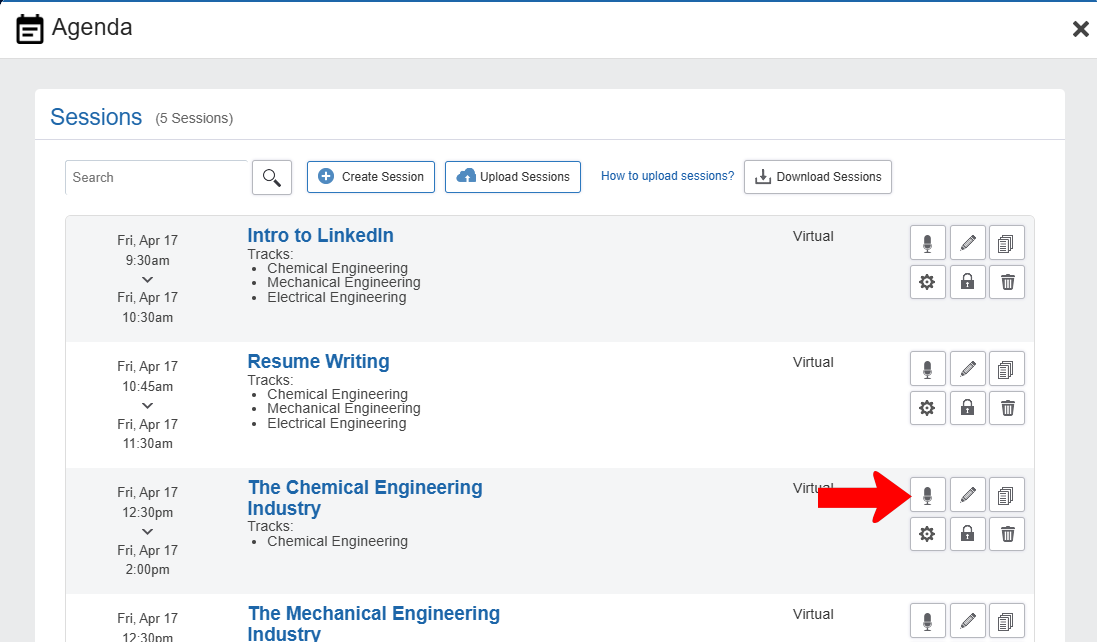
To add speakers to a session, edit the Agenda menu item, then click Manage Sessions.
Click the session’s Speaker icon.
Choose one or more speakers. Or, if the speaker you want does not appear here, click Create Speaker.

Speakers can also be added to a session by finding it in the Events list Managing Events: Events List and clicking Edit Event.

The Add Speaker feature is found in Advanced Options.

When hub users open the Speakers menu, all session speakers will be listed, including the sessions in which they are speaking.