
An Event Hub What are Community Hubs? is hosted by a group. But you can also include sessions Adding Event Hub Sessions Hosted by Other Groups created by other groups, by using the co-hosting feature.
Note that you will need officer permissions Managing Officer Permissions to manage both groups.
In this example, the Orientation Hub is hosted by the Student Engagement group. There is one session to be included in this hub which is hosted by a different group.
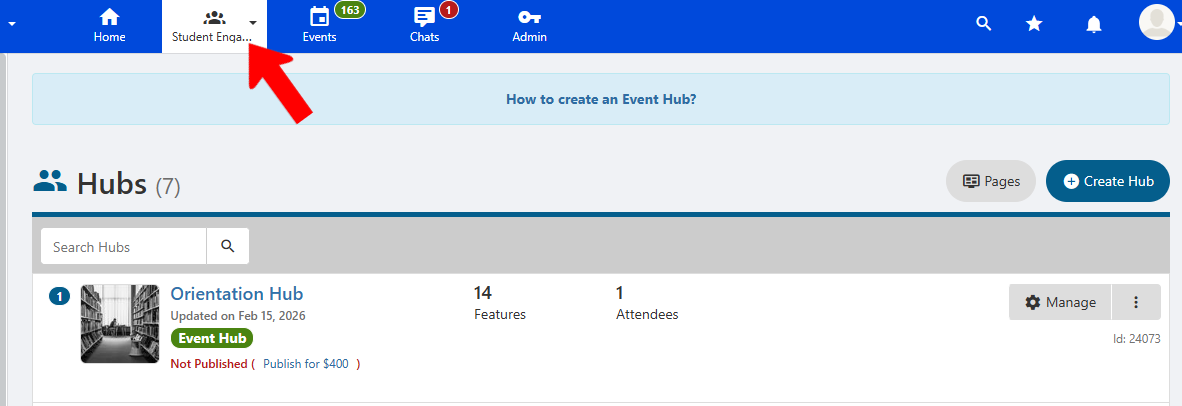
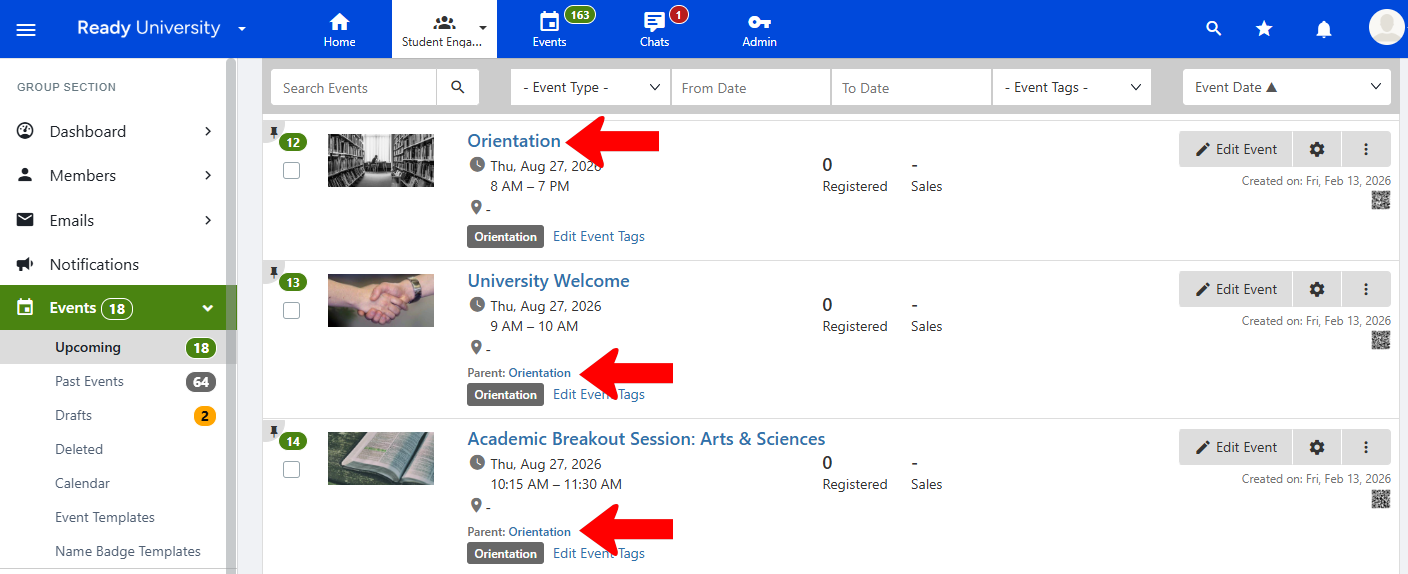
The main (parent) event of the Orientation Hub is Orientation. This event is found in the Events list Parent - Child Events, and all hub sessions are child events of this parent.
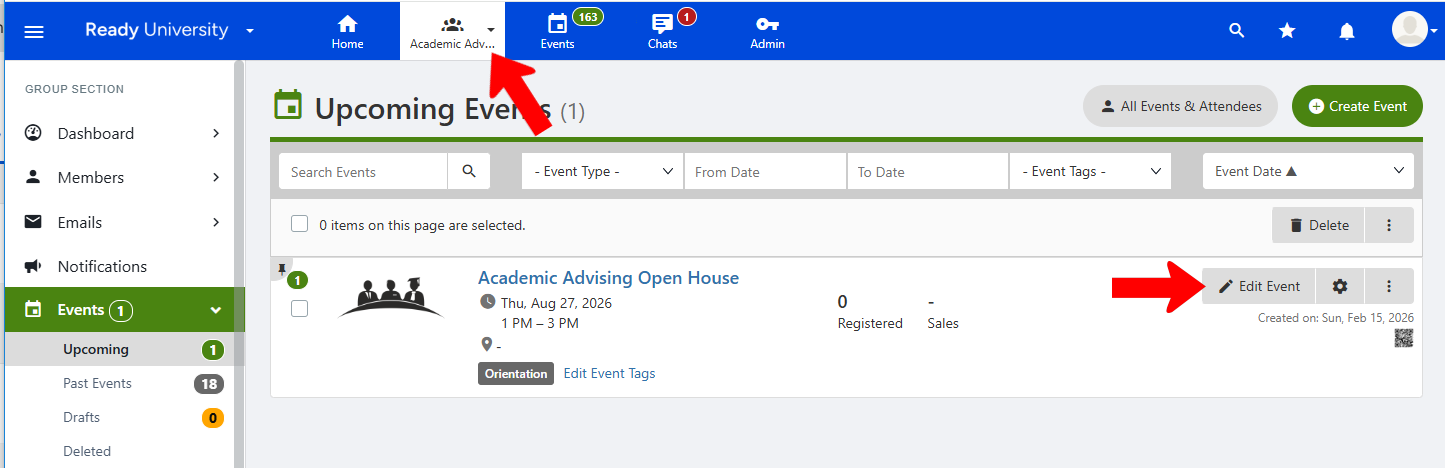
One event to include as a session in this hub is Academic Advising Open House. This event is hosted by the Academic Advising Center group. To make this event available to the Student Engagement group, it must be co-hosted by Student Engagement. This setting can be found by editing the group.
Co-host this event is one of the Advanced Settings for events Advanced Options for Events. In this example, the Student Engagement group is listed under the Services & Support Group Type.
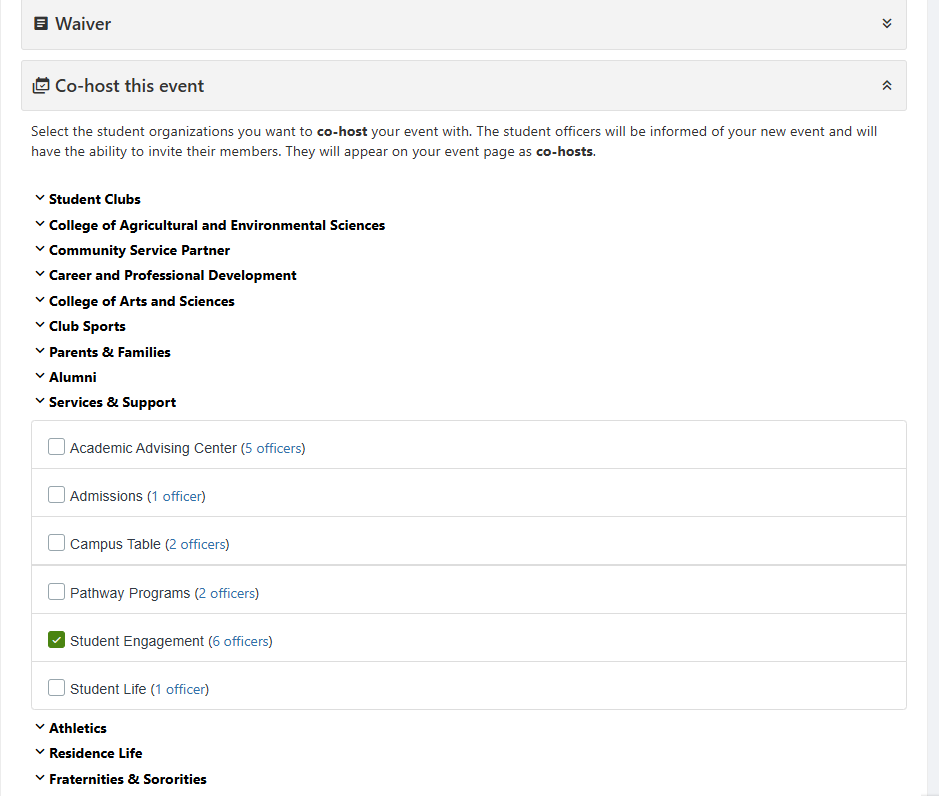
Note: Group Types are a Custom Value managed by platform admins.
After saving changes, the Student Engagement Group is listed as a co-host.

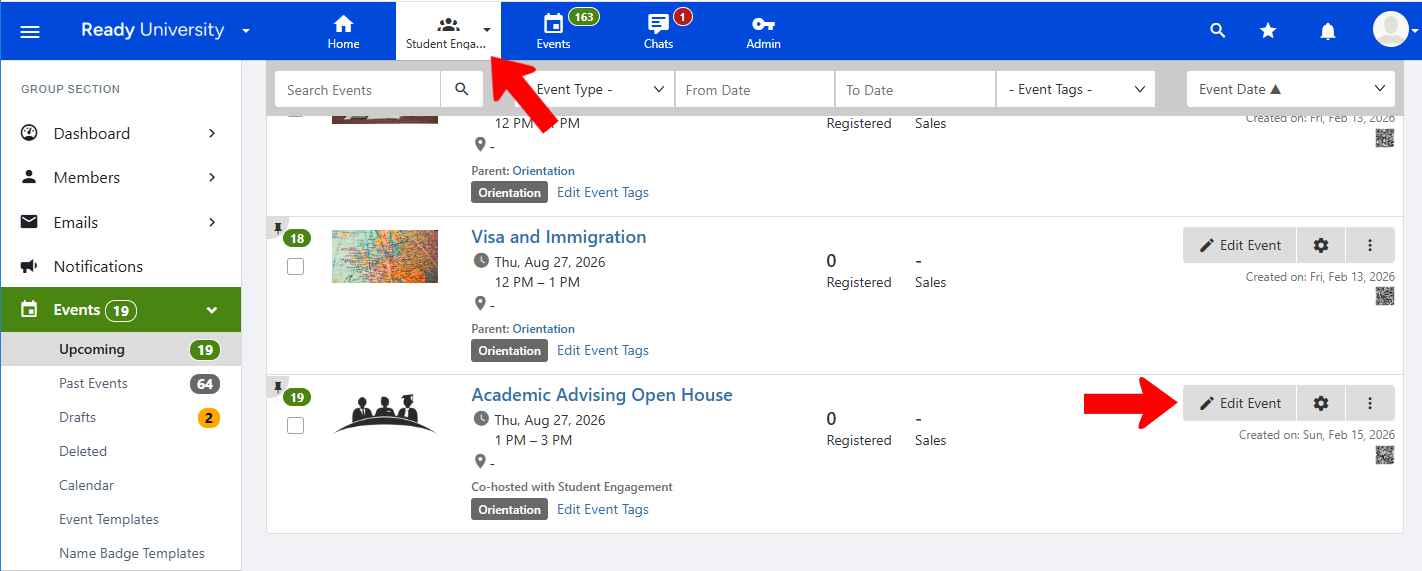
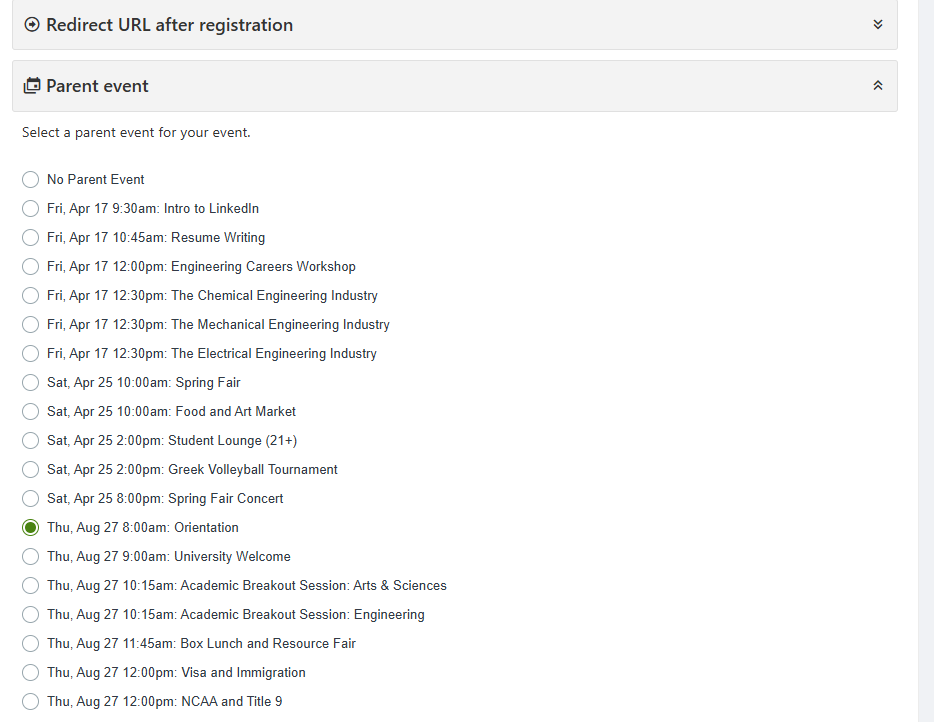
Returning to the Student Engagement group, the Academic Advising Open House event is now included in the Events list. To make this event a session in the Orientation hub, it must be made a child event of the main hub event: Orientation. This setting can be found by editing the group.
Parent event is found in Advanced Settings, and is set to Orientation.
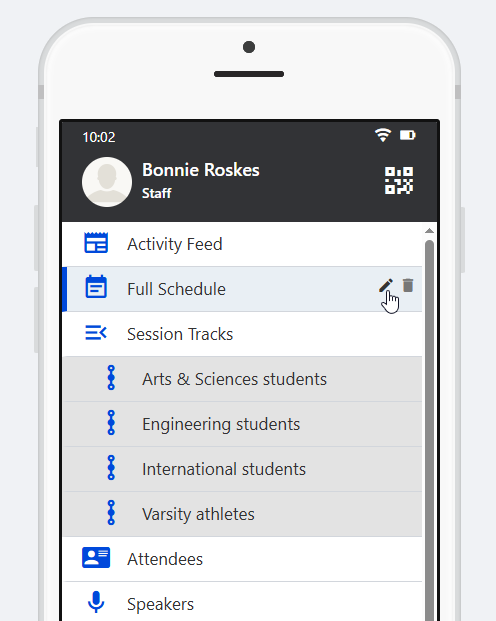
To ensure that the session is now in the hub, edit the Agenda hub menu item (renamed to Full Schedule in this example) and click Manage Sessions.
The event is now a hub session. You can add tracks Creating Event Hub Tracks to this session, if needed.
